

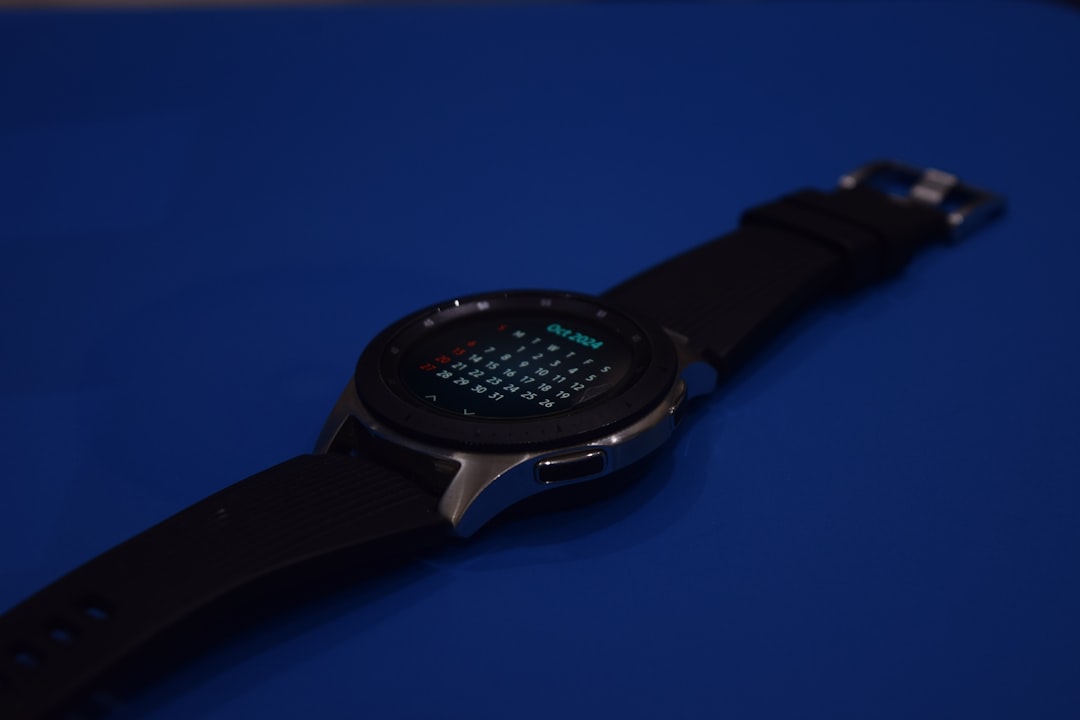
Smartwatch companion apps have become the control center for modern wearable devices, allowing users to personalize settings, monitor health data, install apps, and manage notifications from a single dashboard. Platforms like Wear OS, Apple Watch’s companion app, and various proprietary ecosystems have transformed smartwatches from simple timepieces into powerful lifestyle assistants. As wearable technology continues to evolve, companion apps play an increasingly vital role in ensuring seamless connectivity, customization, and data insights.
TL;DR: Smartwatch companion apps like Wear OS act as the central hub for managing wearable devices. They allow users to customize watch faces, monitor health metrics, install apps, and sync notifications. These apps enhance convenience, improve user control, and provide deeper insights into personal data. As wearables become more advanced, companion apps are essential for maximizing their functionality.
The Role of Companion Apps in Wearable Ecosystems
Table of Contents
Smartwatches rely heavily on their companion apps to unlock full functionality. While the watch itself handles quick interactions, the app provides a broader and more detailed interface. Through smartphones or tablets, users can control virtually every aspect of their wearable experience.
Companion apps typically allow users to:
- Pair and configure devices during initial setup
- Manage notifications from calls, messages, and third-party apps
- Install and update apps directly onto the smartwatch
- Customize watch faces and widgets
- Monitor health and fitness metrics
- Update firmware and manage security settings
Without a companion app, a smartwatch would function more like a limited accessory rather than a comprehensive digital assistant.
Wear OS and Similar Platforms
Google’s Wear OS is among the most recognized smartwatch management platforms. Designed to integrate smoothly with Android devices, it enables users to connect multiple smartwatch brands under one unified ecosystem. The Wear OS companion app acts as the operational core, managing synchronization between phone and watch.
Within the Wear OS app, users can configure:
- Google Assistant preferences
- Notification priorities
- Health tracking integrations like Google Fit
- Battery-saving modes
- App permissions and data sharing
Similarly, Apple’s Watch app for iPhone offers deep integration within the iOS ecosystem. Samsung’s Galaxy Wearable app provides customization options tailored to its devices, including Galaxy Watch models and fitness trackers. Each platform focuses on seamless synchronization while maintaining its unique interface and feature set.
Health and Fitness Data Management
One of the primary uses of smartwatches is health monitoring, and companion apps serve as powerful data hubs. While the watch collects real-time data such as steps, heart rate, oxygen levels, and sleep patterns, the companion app displays detailed breakdowns, trends, and insights.
Health dashboards often include:
- Daily step counts and activity tracking
- Heart rate analytics with historical comparisons
- Sleep stage monitoring
- Stress and wellness tracking
- Workout summaries and performance metrics
The companion app may also integrate with third-party health platforms, enabling broader data analysis. This centralized system ensures users can track progress over weeks, months, or even years.
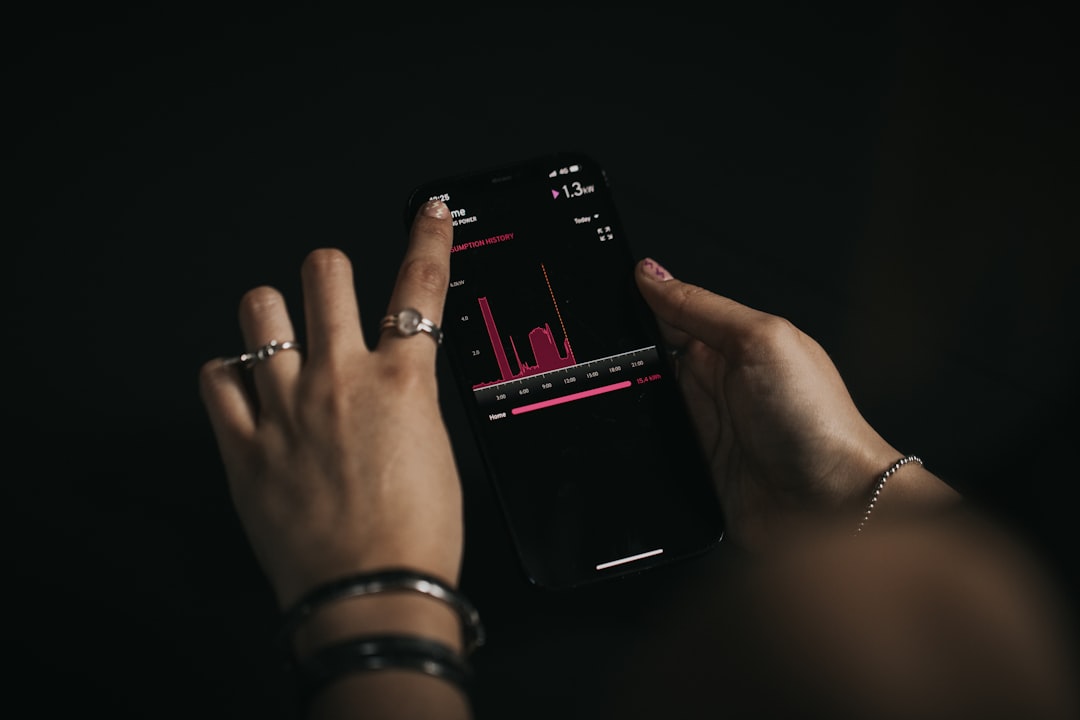
By presenting data in clear charts and summaries, these apps transform raw numbers into actionable insights. For many users, this feature alone justifies owning a smartwatch.
Customization and Personalization
Companion apps significantly enhance personalization options. From changing watch faces to rearranging widgets, users can tailor their device to reflect both style and functionality preferences.
Customization features typically include:
- Downloadable watch faces with varied themes
- Editable complications such as weather, calendar, or battery indicators
- Color schemes and layout adjustments
- Quick-access shortcuts for frequently used apps
Some ecosystems even allow users to design custom watch faces from scratch. Through the companion app, individuals can upload images, adjust typography, and preview designs in real time.
The personalization process extends beyond aesthetics. Notification controls allow users to select which apps can send alerts to the watch. This minimizes distractions while ensuring important messages remain accessible.
App Management and Updates
Much like smartphones, smartwatches require frequent software updates and app management. Companion apps streamline this process, ensuring the wearable stays secure and efficient.
Users can:
- Browse and install apps from official stores
- Remove unused applications
- Manage storage space
- Update operating systems
- Monitor device performance
Firmware updates are particularly important, as they often introduce new features, fix bugs, and enhance battery optimization. Companion apps notify users when updates are available and guide them through installation.
This centralization simplifies device management, especially for individuals who may not be technologically inclined.
Connectivity and Smart Home Integration
Modern smartwatches extend far beyond personal notifications. Through companion apps, users can connect their wearable to smart home systems, music streaming platforms, and productivity tools.
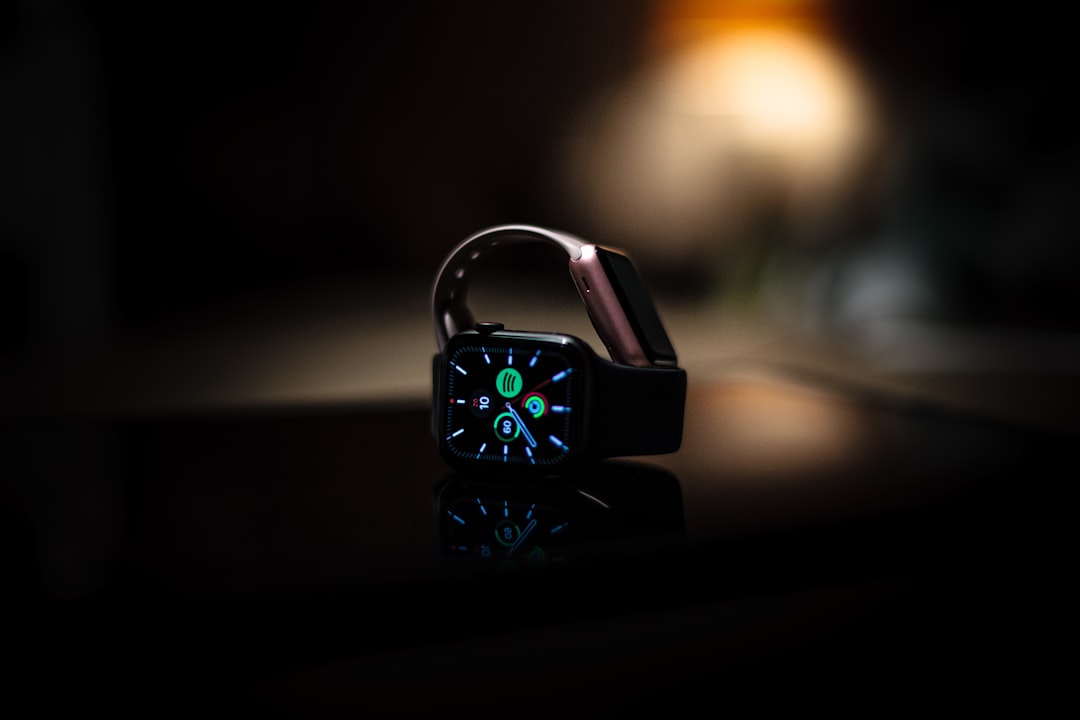
For instance, users may:
- Control smart lighting systems
- Lock or unlock smart doors
- Adjust thermostats
- Control music playback
- Send quick replies to emails
Companion apps ensure these integrations are secure and properly configured. They also manage Bluetooth and Wi-Fi settings, monitor connectivity strength, and troubleshoot pairing issues.
Security and Privacy Controls
As wearable devices collect sensitive personal data, security has become a top concern. Companion apps address this challenge by offering robust security features and privacy controls.
Common security features include:
- Device encryption
- Biometric authentication
- Remote locking or wiping
- Permission management for apps
Companion apps also allow users to review which applications have access to health data or location information. Clear privacy settings empower users to maintain control over their personal information.
Battery Optimization and Device Maintenance
Battery life remains a crucial concern for smartwatch users. Companion apps help monitor energy consumption and suggest optimization techniques.
Through the app interface, users can:
- Track current battery levels
- Identify power-hungry apps
- Activate power-saving modes
- Schedule background activity restrictions
Some apps even provide usage insights, indicating how long the device typically lasts under certain conditions. These maintenance tools prolong device lifespan and ensure more reliable daily performance.
Multi-Device Management
As more consumers adopt multiple wearables — including smartwatches, earbuds, and fitness bands — companion apps increasingly support multi-device management. Instead of installing separate apps for every device, unified platforms allow centralized control.
This approach provides:
- Streamlined device switching
- Consolidated health data tracking
- Unified notification management
- Simplified firmware updates
For enterprise environments, companion apps may also support device fleet management, enabling organizations to monitor and configure multiple wearables remotely.
The Future of Smartwatch Companion Apps
As wearable technology progresses, companion apps are expected to incorporate more advanced features powered by artificial intelligence and machine learning. Predictive insights, proactive health alerts, and deeper personalization will likely become standard.
Future developments may include:
- AI-driven health recommendations
- Context-aware notification filtering
- Enhanced cross-platform compatibility
- Improved voice assistant integration
Additionally, cloud synchronization and real-time analytics will enable users to access data seamlessly across devices. As smartwatches integrate further into healthcare, productivity, and entertainment sectors, companion apps will remain central to user experience.
Conclusion
Smartwatch companion apps like Wear OS serve as indispensable tools for managing modern wearable devices. From health tracking and customization to security and connectivity, these applications bridge the gap between compact wrist-based hardware and full-featured digital ecosystems. They simplify complex tasks, enhance personalization, and provide meaningful insights into daily life.
As smartwatch capabilities expand, companion apps will continue evolving alongside them. Ultimately, the success of any wearable device depends not only on its hardware but also on the strength, usability, and reliability of its companion app.
Frequently Asked Questions (FAQ)
- What is a smartwatch companion app?
A smartwatch companion app is a mobile application that connects to a wearable device, allowing users to configure settings, manage apps, monitor health data, and control device features. - Is Wear OS only for Android phones?
Wear OS is primarily designed for Android devices, but some compatibility with iOS devices may be available depending on the smartwatch model and features. - Can a smartwatch function without its companion app?
Basic functionality may still work, such as telling time or tracking steps, but full features like app installation, detailed analytics, and customization typically require the companion app. - Are smartwatch companion apps secure?
Most major platforms provide encryption, authentication methods, and privacy controls. However, users should regularly update software and review permission settings for maximum security. - Do companion apps drain smartphone battery life?
While constant Bluetooth connectivity consumes some battery power, most companion apps are optimized to minimize energy use and operate efficiently in the background. - Can multiple smartwatches be managed from one app?
Many companion apps support multiple devices, allowing users to switch between them and manage settings from a single interface.
