

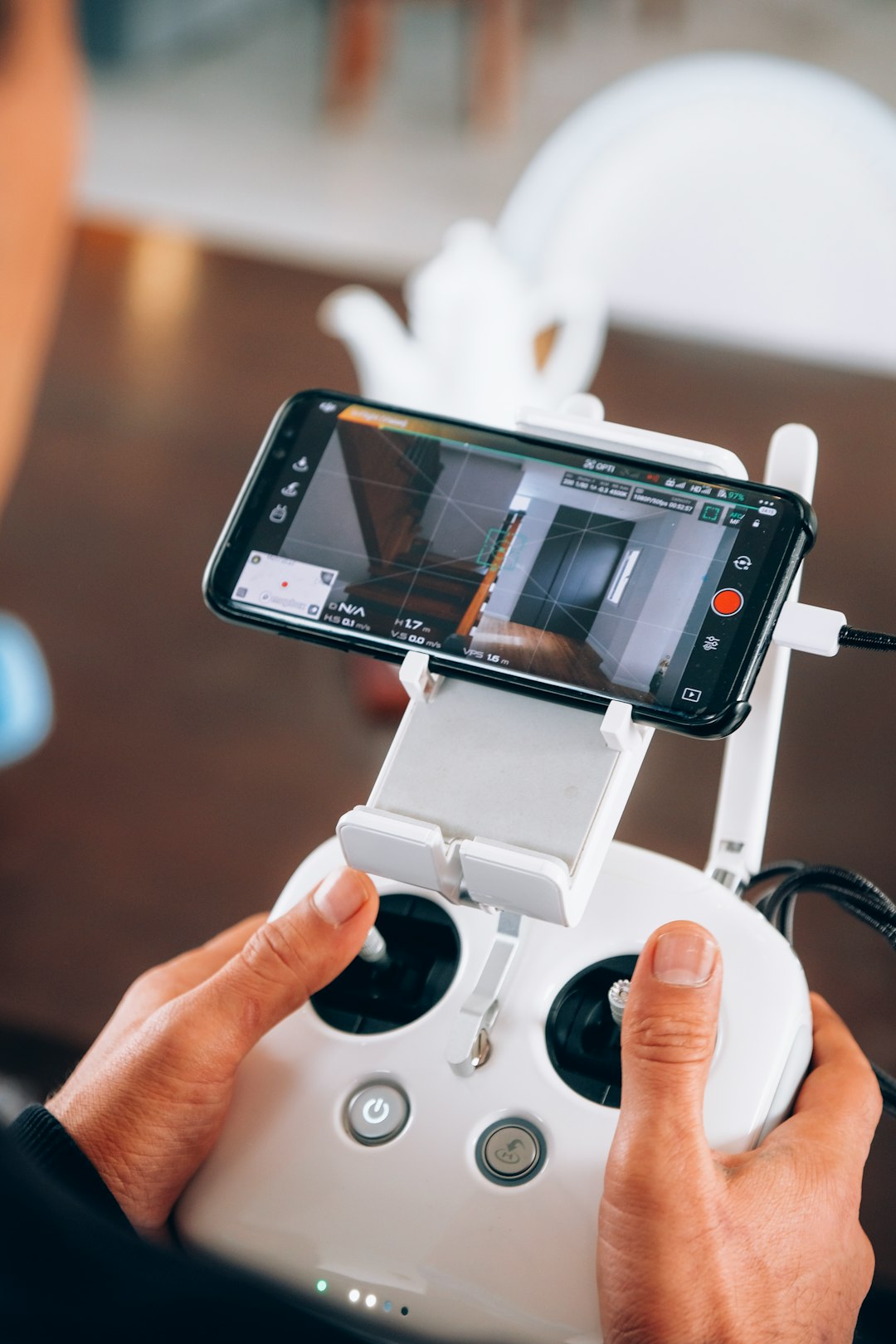
Drones are amazing little flying robots. They can take photos, shoot videos, map land, and even race through forests. But without the right app, they are just fancy paperweights. That’s where drone control apps like DJI Fly come in. These apps turn your phone or tablet into a powerful flight command center.
TL;DR: Drone control apps like DJI Fly help you fly, film, and manage your drone with ease. They let you see live video, adjust camera settings, plan routes, and stay safe in the air. Good apps are simple, smart, and packed with useful features. The right app can turn a beginner into a confident pilot fast.
Let’s break it down in a simple and fun way.
What Is a Drone Control App?
Table of Contents
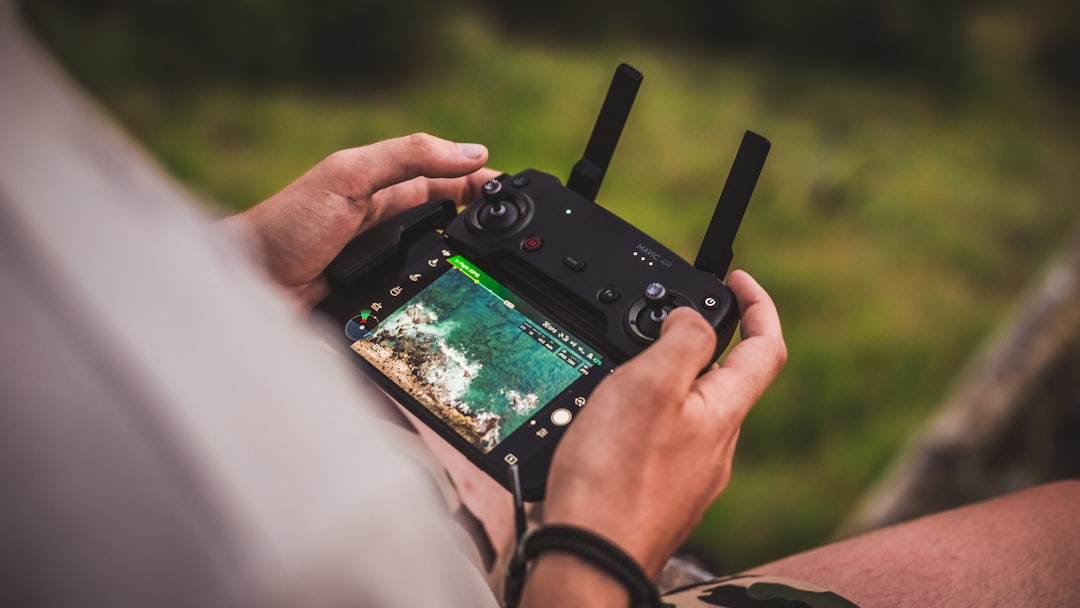
A drone control app is software you install on your smartphone or tablet. It connects to your drone through a remote controller or sometimes directly via Wi-Fi.
Think of it as your drone’s brain assistant.
It helps you:
- See live camera footage
- Control flight movement
- Adjust camera settings
- Plan flight paths
- Update firmware
- Check battery and GPS status
Without the app, you would have very little control. With it, you get total power at your fingertips.
DJI Fly: The Popular Choice
One of the most well-known drone apps is DJI Fly. It is made for many DJI consumer drones.
People like it because it is:
- Clean
- Simple
- Beginner friendly
- Packed with features
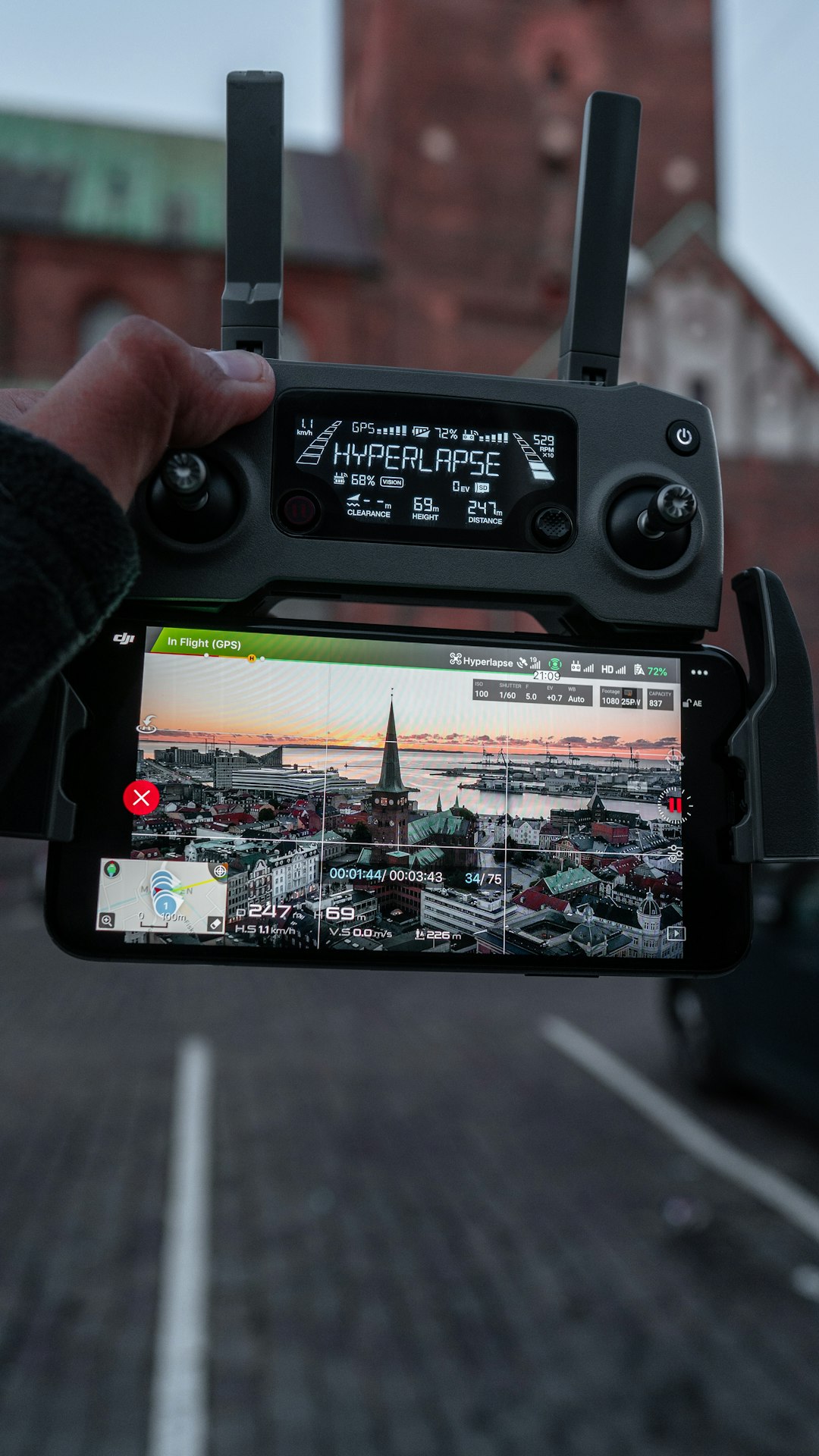
When you open DJI Fly, you see the live camera view right away. Buttons are easy to find. Controls are clear. You can tap into camera settings, intelligent flight modes, or album previews in seconds.
For beginners, there are tutorials built right in. The app guides you before your first takeoff. That removes fear.
Flying becomes fun instead of stressful.
Main Features of Apps Like DJI Fly
Drone apps are more powerful than many people realize. Let’s explore what they can do.
1. Live Video Feed
This is the most important feature.
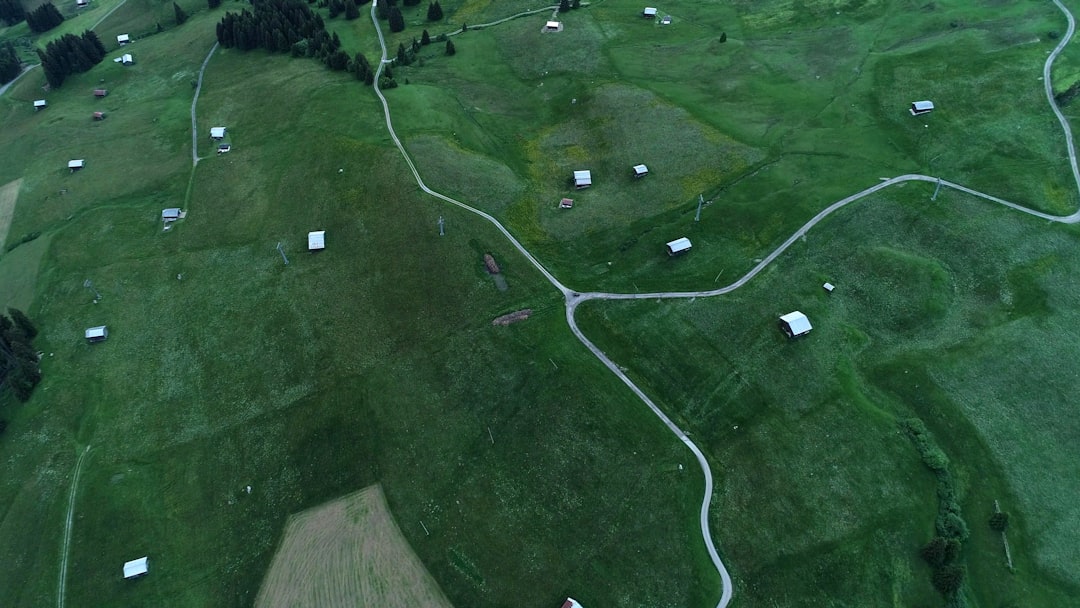
You see exactly what your drone sees in real time. It feels like sitting in the sky. This helps you frame perfect shots and avoid obstacles.
Most apps stream in high definition. Some even support 4K previews.
2. Intelligent Flight Modes
Want cinematic shots without Hollywood skills? Intelligent flight modes make it easy.
Examples include:
- Follow Me – The drone tracks you automatically.
- Orbit – The drone circles around a subject.
- Waypoint Mode – The drone follows a pre-set path.
- QuickShots – Automated cinematic moves.
You tap once. The drone does the magic.
This is perfect for beginners and content creators.
3. Camera Controls
Drone apps give full control over camera settings.
You can adjust:
- ISO
- Shutter speed
- White balance
- Resolution
- Frame rate
If you love photography, this matters a lot. If you’re new, auto mode works just fine.
4. Safety Features
Flying safely is critical.
Apps like DJI Fly include:
- Return to Home button
- Low battery warnings
- Strong signal indicators
- Geo fencing alerts
If something feels wrong, press one button. The drone flies back automatically.
That peace of mind is priceless.
Other Drone Apps Similar to DJI Fly
DJI Fly is not the only option out there. Many brands and third-party developers create powerful apps too.
Some examples include:
- Autel Sky – Designed for Autel drones.
- Parrot FreeFlight – For Parrot models.
- Litchi – A popular third-party app with advanced mission planning.
- DroneDeploy – Focused on mapping and surveying.
Each app has a slightly different focus.
Some are great for beginners. Others are built for professionals doing land surveys or inspections.
Beginner vs Professional Apps
Not all drone apps are built the same way.
Beginner Apps
These focus on:
- Simple layout
- Easy takeoff and landing buttons
- Automated shots
- Safety reminders
They avoid complicated settings. They keep things friendly.
Professional Apps
These focus on:
- Detailed flight planning
- Manual camera control
- Data collection
- Mapping tools
- Custom automation
They may look complex at first. But they offer serious power.
If you are filming YouTube videos, a beginner app is perfect. If you are surveying farmland, you need pro features.
User Interface Matters a Lot
A confusing app makes flying stressful.
A clean app makes flying fun.
The best drone apps use:
- Large buttons
- Clear battery indicators
- Simple menus
- Bright warning messages
You should never struggle to find the Return to Home button. Ever.
Good design keeps your eyes on the sky, not buried in menus.
Firmware Updates and Maintenance
Drone apps also handle updates.
From time to time, your drone needs new firmware. This improves:
- Stability
- Camera performance
- Battery efficiency
- Safety systems
The app notifies you when updates are available. You tap update. The system takes care of the rest.
It’s like giving your drone a small brain upgrade.
Flight Logs and Data Tracking
Many apps record detailed flight logs.
These logs show:
- Flight time
- Maximum distance
- Maximum altitude
- Battery usage
- GPS strength
This is useful for improving skills. It is also helpful for commercial drone pilots who must keep records.
Data helps you become a smarter pilot.
Creative Tools Inside the App
Some apps include built-in editing tools.
After landing, you can:
- Trim video clips
- Add music
- Apply filters
- Share directly to social media
This is great for quick posts.
You land. Edit. Share. Boom.
Compatibility Is Important
Not every app works with every drone.
Before choosing an app, check:
- Your drone model
- Your phone operating system
- Your controller version
Some older phones may struggle with live HD video.
Smooth performance makes a big difference.
Offline Flying and No-Fly Zones
Many apps include maps that show restricted zones.
These zones may include:
- Airports
- Military areas
- Government buildings
The app warns you before takeoff.
This helps you avoid fines and serious trouble.
Some features require internet. Others work offline once maps are cached.
Always plan ahead.
Are Third-Party Apps Safe?
Third-party apps like Litchi can unlock more advanced features.
They are popular for waypoint missions and automation.
But there are a few things to consider:
- Make sure the app is updated regularly.
- Read user reviews.
- Check compatibility.
Many drone pilots use third-party apps successfully. But beginners often prefer the official app first.
What Makes a Great Drone Control App?
Let’s keep it simple.
A great drone control app should be:
- Reliable
- Easy to use
- Safe
- Feature rich
- Frequently updated
If it checks all these boxes, you are in good hands.
Final Thoughts
Drones are powerful tools. But the app is what unlocks their true potential.
Apps like DJI Fly make flying simple. They turn complex technology into something almost anyone can enjoy. From automatic cinematic shots to advanced mapping missions, everything runs through that screen in your hand.
If you are new, start simple. Learn the buttons. Practice basic flights. Use intelligent modes.
If you are experienced, explore deeper settings. Try waypoint missions. Adjust manual camera controls.
The sky is not the limit anymore.
With the right drone control app, it is just the beginning.
