

The Kobo Libra lineup has long been a favorite among dedicated e-reader enthusiasts who want a balance of portability, comfort, and advanced features. With the introduction of the Kobo Libra Colour, readers now face a compelling question: should they stick with the proven monochrome Kobo Libra or upgrade to the newer color-enabled version? Both devices share a similar foundation, but important differences in display technology, functionality, and overall experience set them apart.
TLDR: The Kobo Libra Colour adds full-color E Ink and stylus support to the trusted Libra design, making it ideal for comics, note-taking, and visual content. The standard Kobo Libra offers sharper black-and-white text and often better contrast for pure reading. If color and handwriting matter, choose the Colour. If immersive novel reading is the top priority, the original Libra remains a strong contender.
This comparison explores design, display performance, note-taking features, battery life, storage, and overall value to help readers determine which Kobo Libra device best fits their needs.
Design and Build Quality
Table of Contents
At first glance, the Kobo Libra and Kobo Libra Colour look remarkably similar. Both feature an ergonomic asymmetrical design with a thicker side grip and physical page-turn buttons, making one-handed reading easy and comfortable. The devices are lightweight and compact, making them ideal companions for commutes or travel.
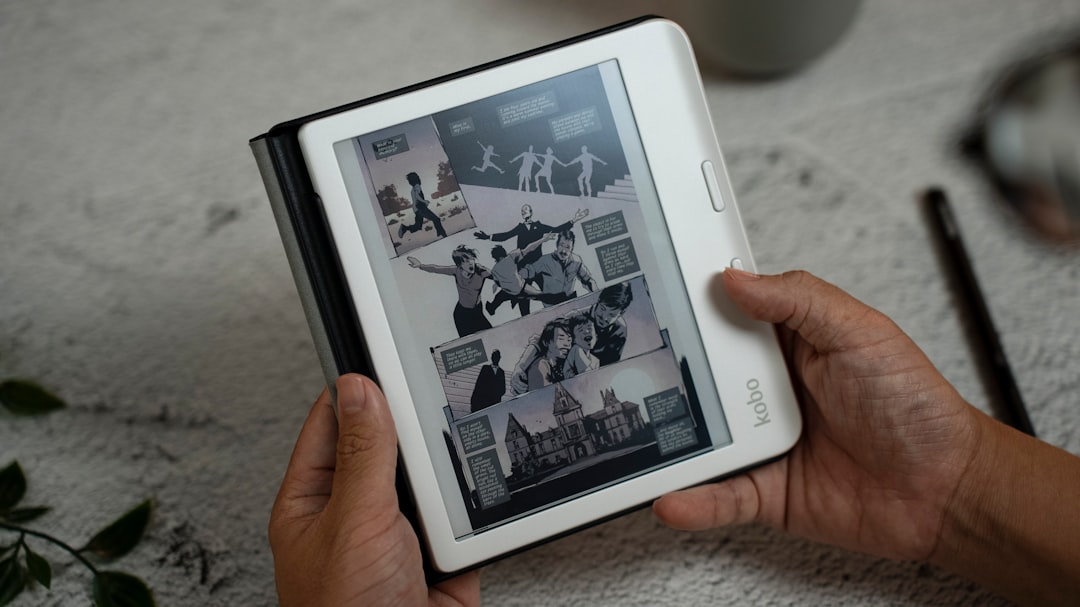
Key shared design features include:
- 7-inch display size
- Ergonomic side grip
- Dedicated page-turn buttons
- Waterproof design (IPX8 rating)
- Adjustable ComfortLight PRO lighting
Both devices are waterproof, which allows worry-free reading near pools, in bathtubs, or at the beach. The textured back and slightly curved grip provide stability and comfort during extended reading sessions.
Where they begin to differ is subtle. The Kobo Libra Colour is slightly heavier due to its advanced display layer and stylus compatibility. While the difference is minor, minimalists may still appreciate the marginally lighter feel of the original Libra.
Display Technology: Black and White vs. Color
The most significant distinction between the two devices lies in the display technology.
Kobo Libra (Monochrome)
The standard Kobo Libra uses a traditional black-and-white E Ink Carta display. This technology delivers excellent contrast, deep blacks, and sharp text clarity. For readers who primarily enjoy novels, essays, and text-focused books, this display remains an industry benchmark.
Advantages:
- Sharper text contrast
- Crisp font rendering
- Excellent readability in sunlight
- Typically slightly better battery efficiency
Kobo Libra Colour
The Kobo Libra Colour features E Ink Kaleido color screen technology. It offers thousands of subtle colors while retaining the paper-like reading experience of E Ink.
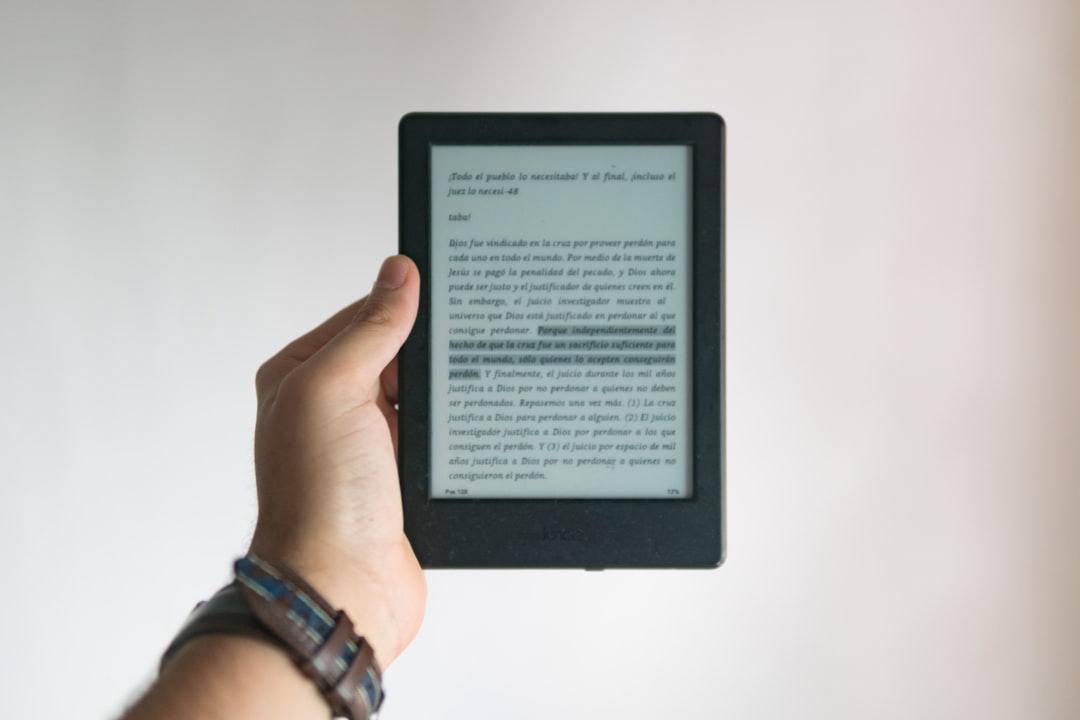
Advantages:
- Display of covers in full color
- Enhanced comic and graphic novel reading
- Color-coded highlights and annotations
- More engaging cookbook and children’s book presentations
However, color E Ink screens often trade a bit of contrast for color capability. Text may appear slightly less crisp compared to the monochrome Libra. While this difference is subtle for most users, avid text-focused readers may notice it when reading small fonts.
Reading Experience
Both devices provide Kobo’s excellent reading ecosystem, including adjustable fonts, line spacing, margins, and advanced typography features. Readers can customize text to suit their preferences.
ComfortLight PRO is available on both models, allowing adjustments in brightness and color temperature. The warm light option minimizes blue light exposure during nighttime reading.
Page-turn buttons enhance usability, especially for those who prefer tactile control over swiping the screen. The screen response on both devices remains smooth and responsive.
In direct comparison:
- The original Libra excels in immersive black-and-white text clarity.
- The Libra Colour enhances visual storytelling and textbooks.
If reading consists mainly of novels and non-illustrated nonfiction, the standard Libra feels like a 100% optimized device for that purpose. If reading includes magazines, cookbooks, comics, or educational materials, the Libra Colour offers a more dynamic experience.
Stylus Support and Note-Taking
This is one area where the Kobo Libra Colour clearly stands apart. It supports stylus input, allowing direct writing and annotation on ebooks and notebooks within the device.
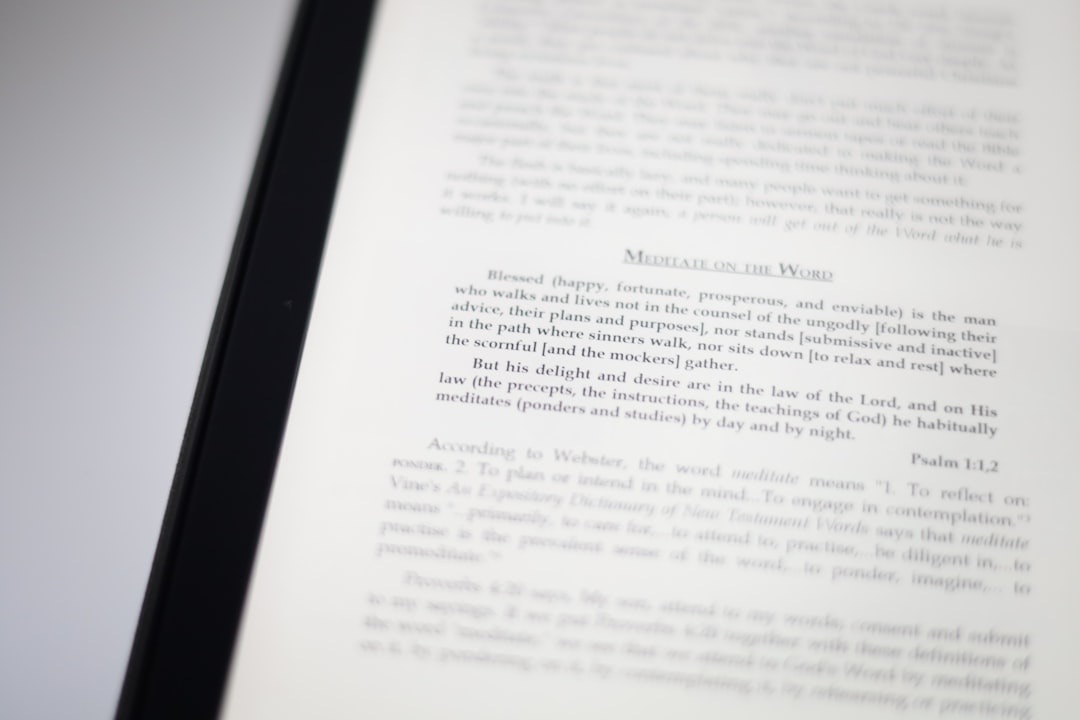
Libra Colour note-taking capabilities:
- Handwritten notes directly on pages
- Dedicated notebook functionality
- Highlighting in multiple colors
- Markup for PDFs and educational texts
The standard Kobo Libra does not support stylus input. Users can highlight text and type notes using the on-screen keyboard, but handwriting is not an option.
This difference makes the Kobo Libra Colour particularly appealing to:
- Students
- Researchers
- Professionals marking up PDFs
- Creative planners and journalers
For readers who simply consume content rather than annotate heavily, this feature may not justify the upgrade.
Performance and Storage
Both devices offer solid internal performance designed for reading rather than multitasking. Page turns are quick, and menus load efficiently.
Storage capacity typically allows thousands of ebooks, with many models offering around 32GB. This is more than enough for standard ebook collections.
Where storage matters more is with:
- Large PDF files
- Graphic novels
- Comics and illustrated books
Color files and PDFs often consume more space, making the Libra Colour’s storage configuration particularly useful for visually rich media.
Battery Life
Battery longevity remains one of E Ink’s strongest advantages.
The standard Kobo Libra, thanks to its monochrome display, may have a slight advantage in battery efficiency. Many users can go weeks between charges, depending on brightness settings and usage patterns.
The Libra Colour’s color technology and stylus features may use slightly more power. However, it still maintains strong endurance compared to tablets and traditional LCD or OLED devices.
In practical use:
- Pure readers may notice slightly longer intervals on the original Libra.
- Active annotators and color content viewers may charge the Colour version a bit more frequently.
Both devices charge via USB-C, ensuring modern connectivity and faster charging times.
Price Considerations
The Kobo Libra Colour typically costs more than the standard Libra due to:
- Color display technology
- Stylus capability
- Expanded productivity features
For budget-conscious buyers focused solely on reading text-based books, the original Libra offers excellent value. For those wanting a hybrid reading and productivity tool, the Libra Colour justifies its higher price.
Who Should Choose Each Device?
Choose the Kobo Libra if:
- Reading novels is the main priority
- Maximum text contrast is important
- Handwriting features are unnecessary
- Budget matters
Choose the Kobo Libra Colour if:
- Comics and graphic novels are regularly read
- Color highlights are helpful for study
- Stylus-based note-taking is desired
- Textbooks and PDFs are common reading materials
Final Thoughts
The Kobo Libra and Kobo Libra Colour are not competing devices as much as they are specialized tools for different reading styles. The original Libra remains an exceptional choice for readers who prioritize clarity, long battery life, and a pure, distraction-free experience.
The Libra Colour expands the definition of what an e-reader can do. By introducing color and handwriting functionality, it moves closer to a digital notebook while still preserving the comfort of E Ink technology.
Choosing between them comes down to one simple question: is reading primarily about immersive black-and-white text, or does modern digital reading require color, annotation, and richer visuals?
FAQ
- Is the Kobo Libra Colour screen darker than the standard Libra?
The color E Ink layer can slightly reduce contrast compared to monochrome models. While still very readable, the standard Libra often appears sharper for plain text. - Can the Kobo Libra Colour replace a tablet for note-taking?
It can handle writing, annotation, and basic notebook functions well, but it is not designed to replace a full-featured tablet for apps or multimedia tasks. - Do both devices support audiobooks?
Yes, both support Kobo audiobooks via Bluetooth headphones or speakers. - Is the stylus included with the Libra Colour?
This depends on the retailer and bundle package. In many cases, the stylus is sold separately. - Which device is better for comics?
The Kobo Libra Colour is clearly better for comics and graphic novels due to its color screen. - Are both devices waterproof?
Yes, both typically carry an IPX8 waterproof rating, allowing submersion in fresh water for short periods. - Does the Libra Colour have shorter battery life?
It may use slightly more power due to the color layer and stylus functions, but it still offers weeks of usage on a single charge. - Which is better for students?
Students who need note-taking and PDF markup will benefit more from the Libra Colour.
