

Digital illustration has evolved far beyond traditional pen-and-tablet workflows. Today’s artists are exploring playful, experimental, and highly intuitive tools that make the creative process more exciting than ever. Whether someone is sketching character concepts, designing intricate landscapes, or experimenting with abstract forms, the right software can significantly shape their creative experience. While industry giants still dominate professional spaces, a wide range of alternative illustration tools now offer unique features that bring fresh energy and joy back into digital art.
TLDR: Digital artists no longer have to rely solely on mainstream illustration software. A growing number of alternative tools offer innovative brushes, intuitive interfaces, collaboration features, and playful environments that make creating art more fun and expressive. From beginner-friendly apps to powerful cross-platform platforms, these eight tools provide versatility and inspiration. Exploring them can reignite creativity and help artists discover new styles.
1. Procreate Dreams
Table of Contents
Although Procreate is well-known, Procreate Dreams introduces a more dynamic and interactive experience, especially for artists who love combining illustration and animation. Designed with touch gestures and fluid transitions in mind, it encourages experimentation.
Artists appreciate its:
- Intuitive gesture-based controls
- Expressive brush engine
- Smooth animation timeline
- Clean and distraction-free interface
The playful nature of dragging, transforming, and animating sketches in real time makes it feel less like technical work and more like creative play.
2. Krita
Krita is a free, open-source illustration program beloved by hobbyists and professionals alike. Originally designed for concept artists and illustrators, it offers a powerful brush engine and strong customization options.
Its standout features include:
- Extensive brush customization
- Built-in comic templates
- Animation support
- Cross-platform compatibility
Krita shines in its flexibility. Artists can modify nearly every aspect of their workspace, creating a digital studio tailored to their needs.
3. Clip Studio Paint
Popular among comic artists and manga creators, Clip Studio Paint provides specialized tools that make storytelling more engaging. It includes perspective rulers, 3D pose references, and panel layout features that streamline the comic creation process.
Creators enjoy:
- Advanced inking tools
- 3D model integration
- Extensive asset marketplace
- Layer flexibility
Its vibrant community asset library adds an element of discovery, allowing artists to experiment with new brushes and materials shared by other creators.
4. Rebelle
Rebelle stands out for its hyper-realistic simulation of traditional media. Watercolor spreads naturally, acrylic builds texture, and pigments blend in lifelike ways that mimic real-world physics.
For artists who love traditional painting but want the convenience of digital tools, Rebelle offers:
- Realistic watercolor diffusion
- Paper texture simulation
- Wet and dry media blending
- Tilt and pressure responsiveness
The joy of watching digital paint behave like physical media makes experimentation deeply satisfying.
5. MediBang Paint
MediBang Paint is a lightweight yet capable illustration tool that appeals particularly to comic artists and beginners. Its cloud integration allows projects to be accessed easily across devices.
Notable benefits include:
- Free access to essential tools
- Pre-made comic backgrounds
- Simple brush controls
- Cloud storage support
Its accessibility lowers the barrier to entry, making digital art more inviting for newcomers.
6. ArtRage Vitae
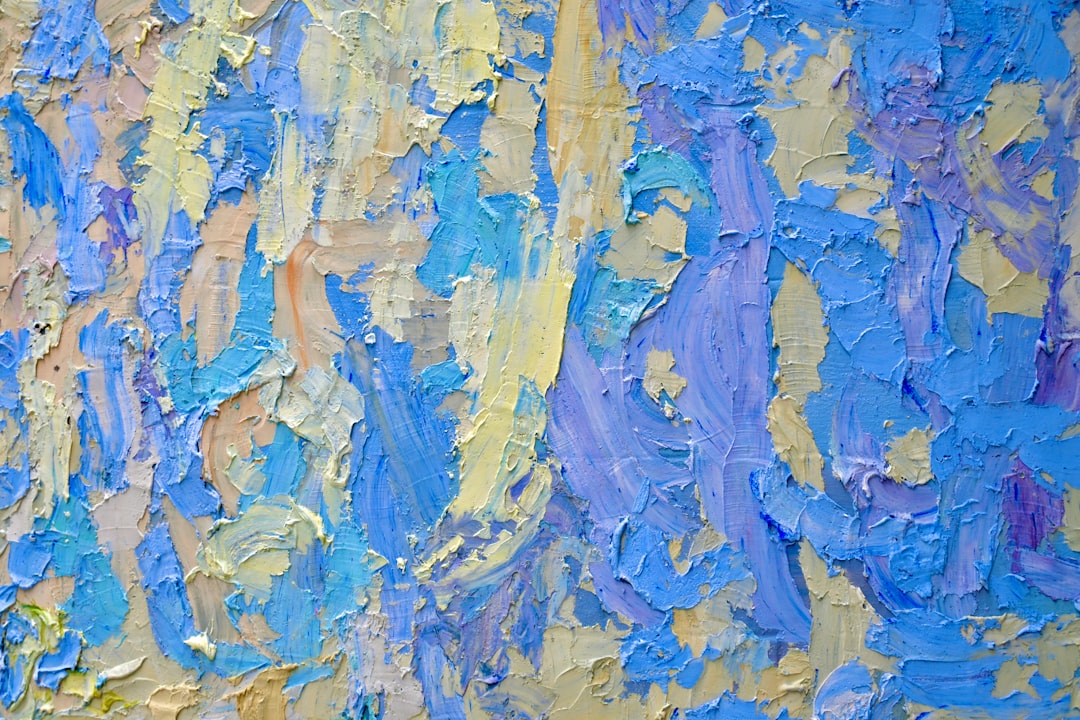
ArtRage Vitae focuses on recreating the tactile experience of physical art-making. Thick oil paint can be smeared across the canvas, palette knives create texture, and tools interact naturally.
Artists often choose ArtRage for:
- Thick paint blending
- Natural brush interactions
- Simple user interface
- Realistic canvas textures
The software encourages playful experimentation, allowing artists to explore textures without worrying about wasted materials.
7. Infinite Painter
Infinite Painter is a powerful mobile illustration app built for artists who create on tablets and smartphones. Despite being lightweight, it offers professional-grade tools.
Key features include:
- Perspective guides
- Symmetry tools
- Custom brush creation
- Time-lapse recording
Its portability turns everyday spaces into creative studios, making spontaneous inspiration easier to capture.
8. Concepts
Concepts takes a unique vector-based approach, allowing artists to sketch freely on an infinite canvas. This is particularly useful for designers, architects, and illustrators who value scalability.
Its most exciting aspects include:
- Infinite canvas space
- Vector-based flexibility
- Precision measurement tools
- Minimalist design
The ability to zoom endlessly without quality loss encourages big-picture thinking and bold experimentation.
Comparison Chart of Alternative Illustration Tools
| Tool | Best For | Platform | Unique Strength | Pricing Model |
|---|---|---|---|---|
| Procreate Dreams | Illustration and animation | Tablet | Gesture driven animation tools | One time purchase |
| Krita | Concept art and comics | Desktop | Open source customization | Free |
| Clip Studio Paint | Manga and comics | Desktop and tablet | 3D pose integration | Subscription or purchase |
| Rebelle | Traditional style painting | Desktop | Realistic paint simulation | Paid license |
| MediBang Paint | Beginners and comic artists | Cross platform | Cloud integration | Free with optional upgrades |
| ArtRage Vitae | Oil and texture painting | Desktop and tablet | Thick paint effects | Paid |
| Infinite Painter | Mobile creators | Mobile devices | Lightweight yet powerful | One time purchase |
| Concepts | Design and drafting | Cross platform | Infinite vector canvas | Freemium |
Why Exploring Alternative Tools Matters
When artists rely exclusively on one platform, they may unknowingly restrict their creative processes. Each program shapes how brushes behave, how layers interact, and how ideas develop. Switching tools can inspire new techniques and unexpected effects.
Alternative illustration tools often feel more playful and less rigid than mainstream options. Their interfaces tend to prioritize experimentation, encouraging artists to try new brush packs, unusual blending modes, or innovative canvas structures.
Additionally, affordability and accessibility are significant benefits. Many of these tools offer free versions or one-time purchase options, making them accessible to students and hobbyists.
How to Choose the Right Alternative Tool
Choosing the right software depends on artistic goals and workflow preferences. Artists should consider:
- Preferred style: Realistic painting, comics, vector art, or animation?
- Device compatibility: Desktop, tablet, or mobile?
- Budget: Subscription versus one-time payment?
- Learning curve: Beginner friendly or customizable complexity?
Testing free trials can help creatives determine which interface feels most intuitive. Ultimately, the most fun tool is the one that removes friction between imagination and execution.
FAQ
-
Are alternative illustration tools suitable for professional work?
Yes. Many professional illustrators use tools like Krita, Clip Studio Paint, and Rebelle for commercial projects. The final quality depends more on skill than on software brand. -
Do free illustration programs lack important features?
Not necessarily. Programs such as Krita and MediBang Paint include robust brush engines, layering systems, and export options suitable for high-quality work. -
Which tool is best for beginners?
MediBang Paint and Infinite Painter are often recommended for beginners due to their intuitive layouts and accessible features. -
Can these tools replace industry-standard software completely?
For many artists, yes. However, certain industries may require specific file formats or collaborative workflows that mainstream tools dominate. -
What is the most realistic digital painting tool?
Rebelle and ArtRage Vitae are widely praised for replicating traditional paint behavior, especially watercolor and oil textures. -
Is animation possible in alternative illustration tools?
Yes. Tools like Procreate Dreams and Krita provide animation capabilities alongside illustration features.
Exploring alternative illustration platforms can breathe new life into digital art. By experimenting with different brush engines, textures, and workflows, artists rediscover the excitement that first drew them to creative expression. Sometimes, all it takes to make digital art more fun is a fresh set of tools.
