

In the SaaS world, a product demo video is often the moment when curiosity becomes conviction. A visitor may have skimmed your homepage, glanced at your pricing, or heard about your product from a colleague, but the demo is where they finally ask, “Can I see myself using this?” Top SaaS companies understand that an effective demo video is not just a screen recording. It is a carefully structured story that shows a real problem, a clear solution, and a believable path to value.
TLDR: The best SaaS product demo videos are short, focused, and built around the customer’s problem rather than a long list of features. Leading companies use strong scripts, simple visuals, real use cases, and a clear call to action to keep viewers engaged. They also tailor demos to different audiences, measure performance, and continuously improve based on data.
They Start With the Customer’s Problem
Table of Contents
Top SaaS companies rarely begin a demo by saying, “Here is our dashboard.” Instead, they start with a familiar pain point. Maybe a sales team is losing track of leads, a finance team is spending hours reconciling reports, or a marketing team cannot tell which campaigns are working. The viewer needs to feel understood before they care about the interface.
This is why effective demo videos often open with a short scenario. Rather than showing every button, they show the viewer’s current frustration and then position the product as the logical next step. The goal is to create an immediate sense of relevance.
A strong opening usually answers three questions:
- Who is this product for? The viewer should quickly recognize themselves or their team.
- What problem does it solve? The pain point should be specific, not vague.
- Why should the viewer keep watching? The video should promise a useful outcome within the first few seconds.
For example, instead of saying, “Our software includes automated reporting,” a better opening might be, “If your team spends every Friday copying numbers from five different platforms into one spreadsheet, this workflow can save hours every week.” That is more human, more specific, and more compelling.
They Keep the Story Simple
One of the biggest mistakes in SaaS demos is trying to explain everything. Product teams are proud of their features, and understandably so. But viewers have limited attention spans. If a demo jumps from permissions to analytics to integrations to billing settings in two minutes, the viewer may leave with no clear memory of what the product actually does.
Top SaaS companies choose one primary story per video. That story might be onboarding a new customer, creating a campaign, generating a report, managing a project, or automating a repetitive task. The video then follows that journey from beginning to end.
A simple demo structure often looks like this:
- Problem: Show the frustrating or inefficient current process.
- Solution: Introduce the product as a better way to handle it.
- Workflow: Demonstrate the key steps in a logical order.
- Outcome: Show the result, such as saved time, clearer data, or faster collaboration.
- Next step: Invite the viewer to start a trial, book a demo, or explore a feature.
This format works because it mirrors how buyers evaluate software. They do not only want to know what the tool can do; they want to understand what changes after they use it.

They Lead With Value, Not Features
Features are important, but value is what sells. A feature is “custom reporting.” Value is “know exactly which activities are driving revenue.” A feature is “team comments.” Value is “resolve decisions without losing context in email threads.” Top SaaS companies translate product capabilities into business outcomes.
This translation is especially important in demo videos because viewers may not yet understand the product category deeply. If the narrator says, “Create custom fields and apply dynamic filters,” some viewers may tune out. If the narrator says, “Organize your customer data in a way that matches how your team actually works,” the benefit becomes clearer.
Effective SaaS demos often pair each feature with a value statement:
- Feature: Automated reminders.
Value: Fewer missed follow ups and less manual chasing. - Feature: Shared dashboards.
Value: Everyone makes decisions from the same data. - Feature: Integration with existing tools.
Value: Your team can improve its workflow without replacing everything at once.
This does not mean the video should avoid specifics. Specificity builds credibility. The key is to make every product detail answer the viewer’s silent question: “Why does this matter to me?”
They Script Before They Record
Great demo videos feel natural, but they are almost always scripted. A script prevents rambling, reduces editing time, and ensures the video delivers one coherent message. Without a script, demos often become long tours of the interface, filled with “and then you can also…” moments.
Top SaaS teams usually create a script and a storyboard before recording. The script defines what the narrator says, while the storyboard defines what appears on screen. This prevents a common mismatch: the voiceover explaining one idea while the screen shows something unrelated or overly complex.
A good script is usually conversational, concise, and active. It avoids heavy jargon unless the audience expects it. It also uses transitions to guide the viewer through the workflow. Phrases like “Next, let’s assign this to the team,” or “Now you can see the report update automatically,” help the viewer follow along.
Many SaaS companies also write different scripts for different stages of the buyer journey. A homepage demo may be broad and benefit focused. A sales enablement demo may go deeper into objections and use cases. A customer onboarding demo may be more instructional and detailed.
They Show Realistic Data and Use Cases
A blank interface is rarely persuasive. If a demo shows empty charts, generic names, or unrealistic examples, the product can feel abstract. Top SaaS companies make demo environments look believable. They use sample data, realistic customer names, meaningful reports, and workflows that resemble what users experience every day.
This helps viewers imagine themselves inside the product. A project management tool might show a product launch timeline. A customer support platform might show incoming tickets, response times, and satisfaction scores. An HR platform might show employee onboarding tasks and document approvals.
Realistic data also makes outcomes easier to understand. It is more compelling to see a chart reveal that response time dropped by 35% than to see a generic “success metric.” The more concrete the example, the more memorable the demo becomes.
They Design the Video for Attention
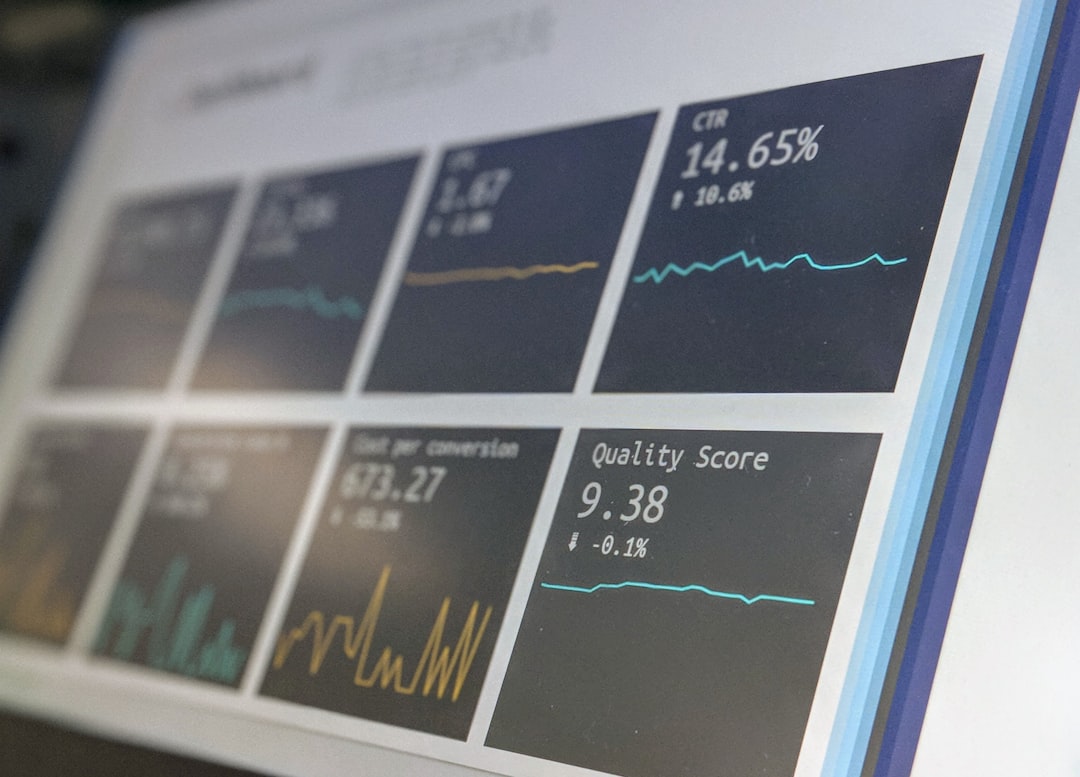
Even a great product can look boring if the video is visually flat. Top SaaS demo videos use motion, zooms, highlights, and pacing to direct attention. They do not expect viewers to notice the right part of the screen on their own.
Common visual techniques include:
- Cursor emphasis: Making clicks and movements easy to follow.
- Zoom ins: Focusing on important fields, buttons, or results.
- Callout boxes: Highlighting key benefits or explaining short steps.
- Scene changes: Breaking up long screen recordings with simple transitions.
- Branded visuals: Using colors, typography, and illustration styles that match the company’s identity.
However, the best videos avoid visual clutter. They use design to clarify, not decorate. If every click has a flourish and every sentence has animated text, the viewer may become distracted. The strongest demos feel polished but effortless.
They Match Length to Intent
There is no universal perfect length for a SaaS demo video. The right duration depends on where the video appears and what the viewer expects. A visitor on a landing page may only give you 60 to 90 seconds. A qualified prospect comparing vendors may watch a five minute walkthrough. A new customer may appreciate a detailed tutorial.
Top SaaS companies often create multiple demo formats instead of relying on one all purpose video. For example:
- 30 to 60 seconds: Product teaser for ads, social media, or homepage hero sections.
- 90 seconds to 2 minutes: High level overview for landing pages and email campaigns.
- 3 to 6 minutes: Feature walkthrough for serious buyers or sales follow ups.
- Longer tutorials: Customer education, onboarding, and support centers.
This approach respects the viewer’s level of intent. Someone discovering the product does not need a full training session. Someone about to purchase may want a more detailed look at integrations, permissions, or reporting.
They Use Voiceover and Sound Carefully
Voiceover can make a SaaS demo much easier to follow, especially when the product involves several steps. A warm, confident narrator can add personality and reduce cognitive load. Instead of forcing viewers to read every caption and interpret every screen, the narration guides them through the experience.
The best voiceovers sound human, not overly promotional. They explain what is happening in plain language and maintain a steady pace. If the narration is too fast, viewers feel rushed. If it is too slow, they lose interest.
Music can also help, but it should remain subtle. SaaS videos are not movie trailers. Background music should support the tone without competing with the narration. For audiences watching without sound, captions are essential. Many top companies add both captions and on screen text so the message works in silent environments.
They End With a Clear Call to Action
An effective demo video does not simply fade out after showing a feature. It tells the viewer what to do next. Depending on the business model, the call to action might be start a free trial, book a live demo, create your first project, or talk to sales.
The call to action should match the video’s purpose. A short awareness video may invite viewers to “see how it works.” A deeper product walkthrough may ask them to “schedule a personalized demo.” An onboarding video may prompt them to “set up your first workflow now.”
Top SaaS companies also avoid overwhelming viewers with too many choices. One strong next step is usually better than five competing options.
They Test, Measure, and Improve
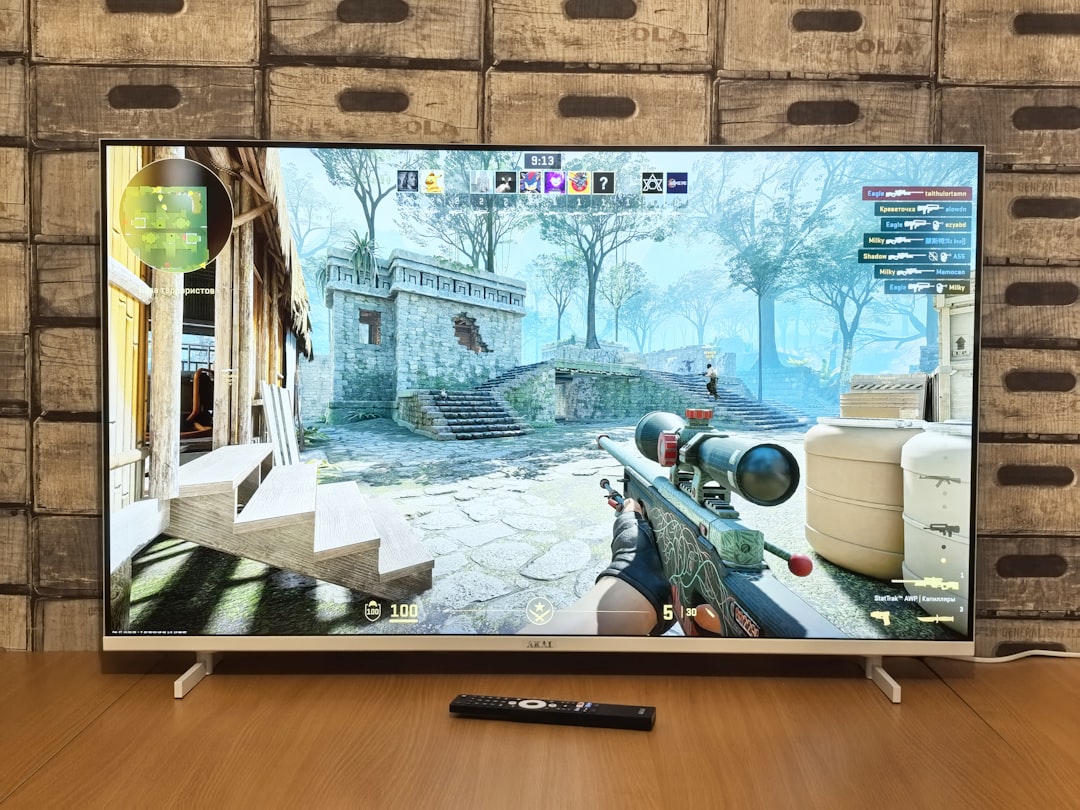
The most successful SaaS companies do not treat demo videos as one time creative assets. They measure performance and improve over time. Video analytics can reveal where viewers drop off, which sections they replay, and whether they click the call to action.
Important metrics often include:
- View through rate: How many people watch to the end?
- Engagement curve: Where do viewers stop watching?
- Click through rate: How many viewers take the next step?
- Conversion rate: How does the video influence trials, demos, or signups?
- Sales feedback: Do prospects mention the video during calls?
If many viewers stop watching after 20 seconds, the introduction may be too slow. If viewers rewatch a certain section, that area may be important but unclear. If the video gets views but no conversions, the call to action or audience targeting may need work.
They Align Marketing, Product, and Sales
A great demo video usually requires collaboration. Marketing understands positioning and audience attention. Product understands what the software actually does. Sales understands buyer objections and decision criteria. Customer success understands where users get confused after signing up.
When these teams work together, the demo becomes sharper. It reflects real customer language, highlights meaningful differentiators, and avoids promises the product cannot support. This alignment is one reason top SaaS companies produce demos that feel both persuasive and practical.
The Real Secret: Clarity
At its core, an effective SaaS product demo video is an exercise in clarity. It clarifies the problem, the workflow, the value, and the next step. It makes the product feel usable, useful, and worth exploring.
Top SaaS companies know that buyers are not looking for a feature parade. They are looking for confidence. They want to believe that the software can solve a real problem without creating unnecessary complexity. The best demo videos give them that confidence quickly, visually, and convincingly.
When a SaaS demo is done well, it does more than explain a product. It helps the viewer imagine a better way to work.
