

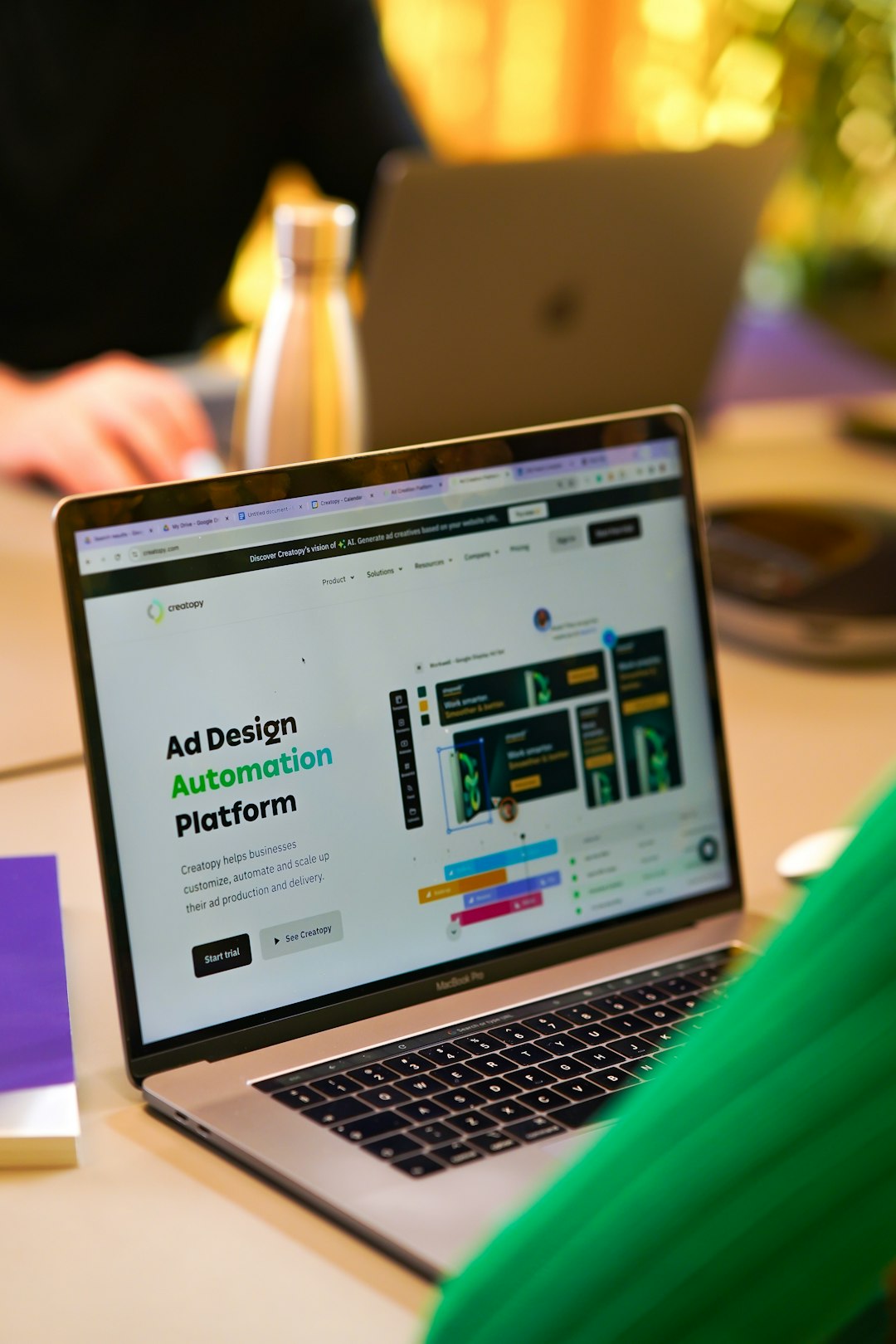
Modern designers are expected to produce high-quality work at incredible speed. From resizing social media graphics to exporting assets for developers, repetitive tasks can quietly drain creative energy and productivity. Fortunately, automation tools have evolved to handle much of this routine work, allowing designers to focus on strategy and innovation instead of manual processes.
TLDR: Designers can save hours every week by using automation tools that streamline repetitive tasks such as resizing images, organizing files, generating layouts, and handing off assets to developers. Tools like Figma, Adobe Creative Cloud Libraries, Zapier, and Canva offer powerful automation features for different workflows. Choosing the right combination depends on team size, collaboration needs, and technical complexity. Automation not only boosts efficiency but also reduces human error and improves consistency.
Below are 10 powerful tools that help designers automate repetitive tasks efficiently, along with how each contributes to a smoother workflow.
1. Figma
Table of Contents
Figma is not only a collaborative interface design tool but also a strong automation platform thanks to plugins, components, and design systems. Designers can create reusable components, auto-layout structures, and shared styles that instantly update across projects.
- Auto Layout adjusts spacing and alignment dynamically.
- Shared Libraries ensure design consistency across teams.
- Plugins automate tasks such as content generation and accessibility checks.
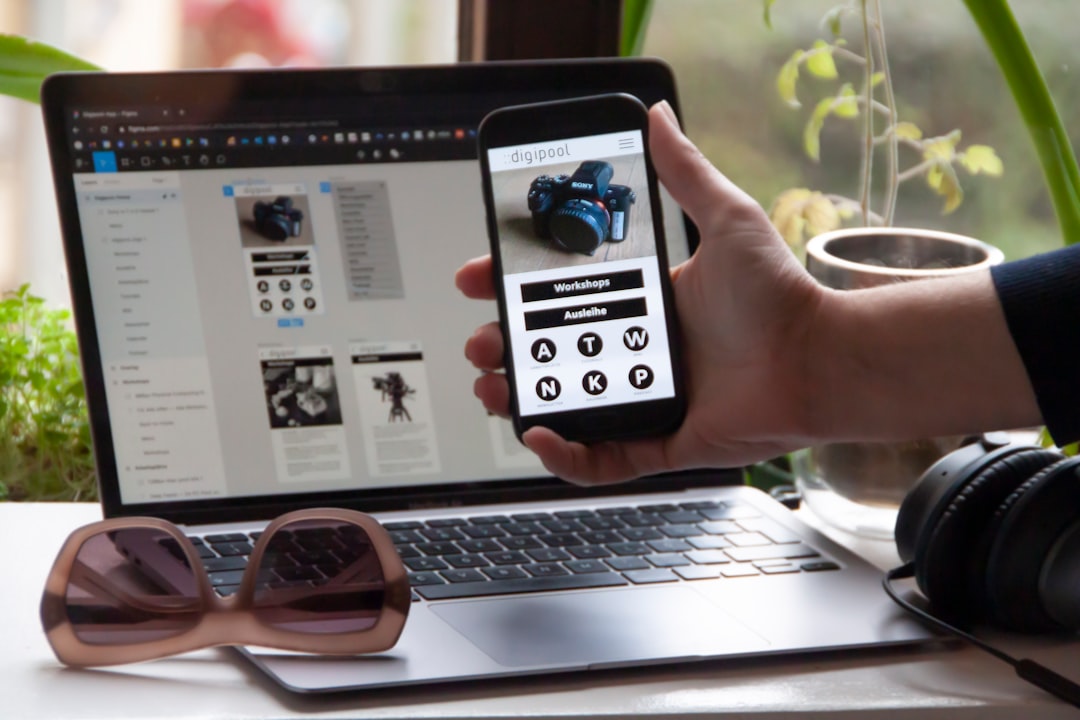
Instead of recreating buttons or cards repeatedly, designers can deploy pre-styled components in seconds, dramatically reducing redundant work.
2. Adobe Creative Cloud Libraries
Adobe Creative Cloud Libraries centralizes colors, styles, icons, and graphics across Adobe applications. Designers working in Photoshop, Illustrator, and InDesign can access brand assets instantly.
- Automatic asset syncing across projects
- Shared brand kits for teams
- Drag-and-drop reusable elements
This eliminates the need to search through folders or recreate brand palettes from scratch.
3. Canva
Canva has evolved into a powerful automation platform, especially for marketing teams. Features like Magic Resize allow users to transform one design into multiple formats instantly.
- Bulk content creation tools
- Template automation
- Brand kit integration
For social media managers and small businesses, Canva significantly reduces repetitive resizing and layout tweaks.
4. Zapier
Although not strictly a design tool, Zapier automates workflows between applications. Designers can automate file organization, client notifications, and project updates without manual intervention.
- Automatic uploads to cloud storage
- Task creation in project management tools
- Instant team notifications
For example, when a design is approved, Zapier can automatically move files into a “Final Assets” folder and notify the development team.
5. Sketch
Sketch provides strong automation capabilities through symbols and plugins. Designers can create nested components that update globally across multiple artboards.
- Reusable symbols
- Shared styles
- Plugin ecosystem for content generation
Sketch automation helps prevent inconsistencies, especially in large interface projects.
6. Adobe Actions (Photoshop)
For image-heavy workflows, Photoshop Actions are invaluable. Designers can record a sequence of edits and apply them to hundreds of images.
- Batch resizing
- Color correction presets
- Watermark application
This dramatically reduces editing time for photographers and e-commerce designers managing product images.
7. InVision
InVision streamlines prototyping and feedback collection. Instead of manually gathering feedback across emails, designers can automate notifications and comment tracking.
- Real-time collaboration
- Automated version tracking
- Developer handoff tools
This prevents communication breakdowns and shortens review cycles.
8. Trello (With Automation)
Trello includes built-in automation called Butler, which allows rule-based triggers. Designers can automate repetitive task management steps.
- Automatic card assignments
- Deadline reminders
- Status updates
For example, when a task moves to “Approved,” Butler can automatically notify stakeholders and assign the next team member.
9. Affinity Publisher
Affinity Publisher automates layout-heavy projects like magazines or catalogs. With master pages and linked assets, repetitive layout elements remain consistent throughout documents.
- Master page templates
- Text flow automation
- Typography presets
This is particularly helpful for print designers handling multi-page documents.
10. Webflow
Webflow combines design and development automation. Designers can create responsive layouts that automatically adapt to multiple screen sizes.
- Responsive design adjustments
- Reusable classes
- CMS-based dynamic content
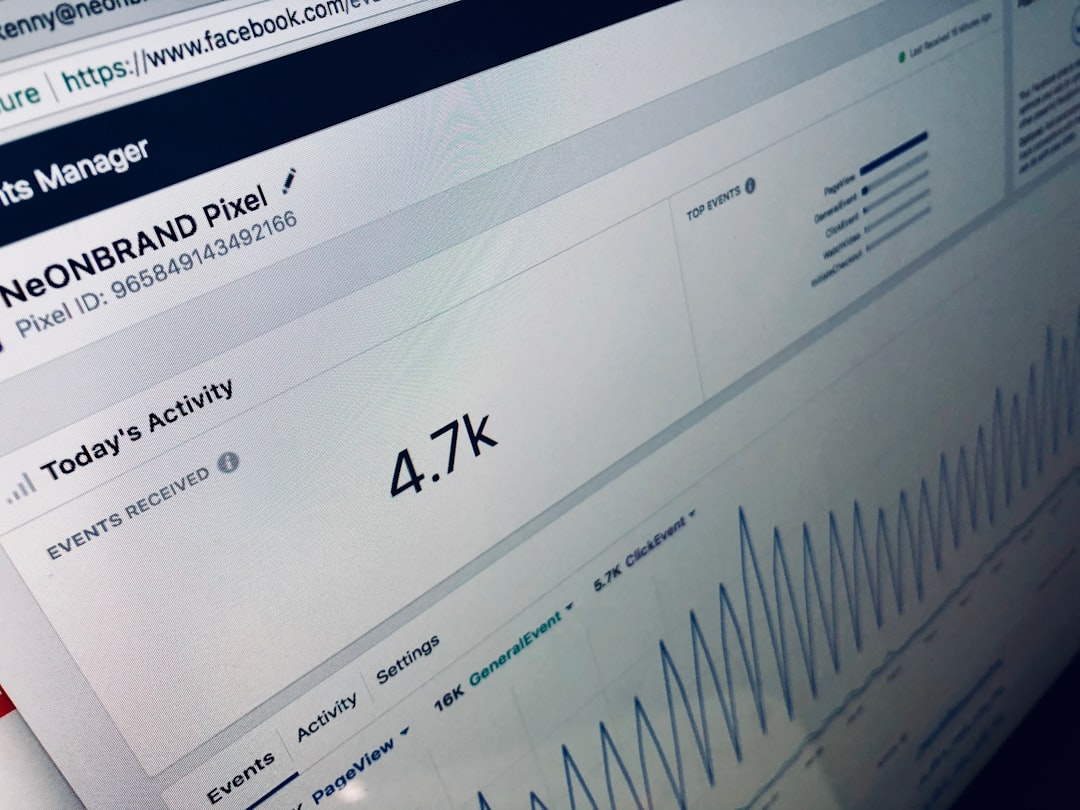
Webflow eliminates repetitive coding tweaks and helps designers publish production-ready sites more efficiently.
Comparison Chart
| Tool | Best For | Automation Strength | Collaboration Features |
|---|---|---|---|
| Figma | UI/UX Design | Components & Plugins | Excellent |
| Adobe Libraries | Brand Asset Management | Asset Syncing | Strong |
| Canva | Marketing Graphics | Bulk Resize | Moderate |
| Zapier | Workflow Integration | App Automation | Indirect |
| Sketch | Interface Design | Symbols & Plugins | Moderate |
| Photoshop Actions | Photo Editing | Batch Processing | Limited |
| InVision | Prototyping | Feedback Automation | Strong |
| Trello | Task Management | Rule Automation | Strong |
| Affinity Publisher | Print Layouts | Master Templates | Limited |
| Webflow | Web Design | Responsive Automation | Strong |
Why Automation Matters for Designers
Automation does more than save time. It ensures consistency, reduces human error, and allows designers to focus on high-value creative thinking. When repetitive tasks are minimized, design teams have more bandwidth for research, experimentation, and innovation.
By combining multiple tools—for example, using Figma for interface systems, Zapier for workflow triggers, and Webflow for publishing—designers create a seamless production ecosystem.
Frequently Asked Questions (FAQ)
1. What types of repetitive tasks can designers automate?
Designers can automate resizing images, exporting files, organizing assets, updating styles, generating layouts, managing feedback, and publishing content across platforms.
2. Are automation tools expensive?
Many tools offer free plans or affordable subscriptions. While advanced features may require paid versions, the time saved often outweighs the investment.
3. Is coding knowledge required for automation?
Not necessarily. Most modern tools offer no-code or low-code automation features. However, basic scripting knowledge can unlock more advanced workflows.
4. Can small design teams benefit from automation?
Absolutely. In fact, small teams often benefit the most because automation allows them to compete with larger organizations by increasing efficiency.
5. How does automation improve collaboration?
Automation reduces manual communication loops, ensures consistent file handling, and keeps team members updated automatically through integrated notifications.
6. Should designers rely completely on automation?
No. Automation should support creativity, not replace it. Strategic thinking and creative direction still require human insight.
Ultimately, the best automation strategy depends on the designer’s workflow, specialization, and collaboration environment. By adopting the right combination of tools, designers can eliminate tedious processes and dedicate more time to creating impactful, meaningful work.
