


Flying high? Got your comfy seat, a soda in hand, and 30,000 feet of sky between you and the ground? Time to get online! American Airlines offers inflight Wi-Fi on most of its flights, and connecting is easier than you might think. Whether you want to catch up on work, stalk your pet on the home cam, or stream that series you can’t stop watching — we’ve got you covered.
TL;DR
Table of Contents
Connecting to American Airlines inflight Wi-Fi is super easy. Just switch your device to airplane mode, connect to the “AA-Inflight” network, and go to www.aainflight.com in your browser. Sign in or buy a pass, and boom — you’re surfing at 500 mph. Streaming isn’t free, but messaging might be!
Step-by-Step: Get Online in the Sky
Here’s how to connect in 6 easy steps:
- Put your device in airplane mode. Yes, always.
- Turn on Wi-Fi. Then watch for the network:
- AA-Inflight or sometimes GogoInflight
- Open your browser. It should redirect you. If not, type www.aainflight.com
- Choose your plan. Some messaging is free, but you’ll pay for streaming or full internet.
- Sign in or create an account.
- Enjoy! Send memos, post to socials, or scroll to your heart’s content.
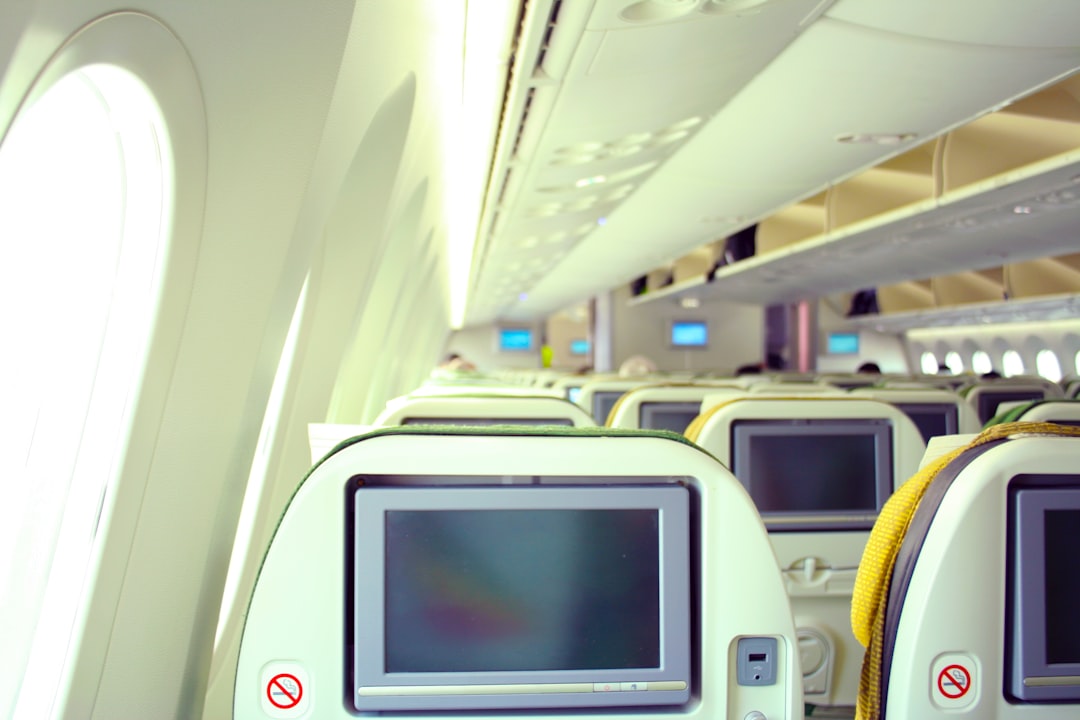
What Plans Can You Get?
American Airlines offers a few types of Wi-Fi access, depending on your flight and aircraft. Here’s a quick breakdown:
1. Pay-As-You-Go
- Prices depend on flight length and location.
- Usually ranges from $10–$19 per flight.
- Buy right onboard — no subscription necessary.
2. Monthly Plan
- Great if you fly often.
- Costs about $49.95 per month.
- Only works on flights within the U.S.
3. Free Messaging
- Only available on some planes.
- Use iMessage, WhatsApp, and Facebook Messenger for free.
- No pictures or videos though — just texts.
Tip: Download entertainment before your flight to avoid using up bandwidth or money.
Compatible Devices
You can use nearly any device to get connected — just make sure it’s charged. Free charging ports not guaranteed!
- Smartphones (iPhones & Androids)
- Tablets (iPad, Samsung, etc.)
- Laptops (Mac or Windows)
Keep all your apps updated before flying. You don’t want to install an update mid-flight at snail speed!
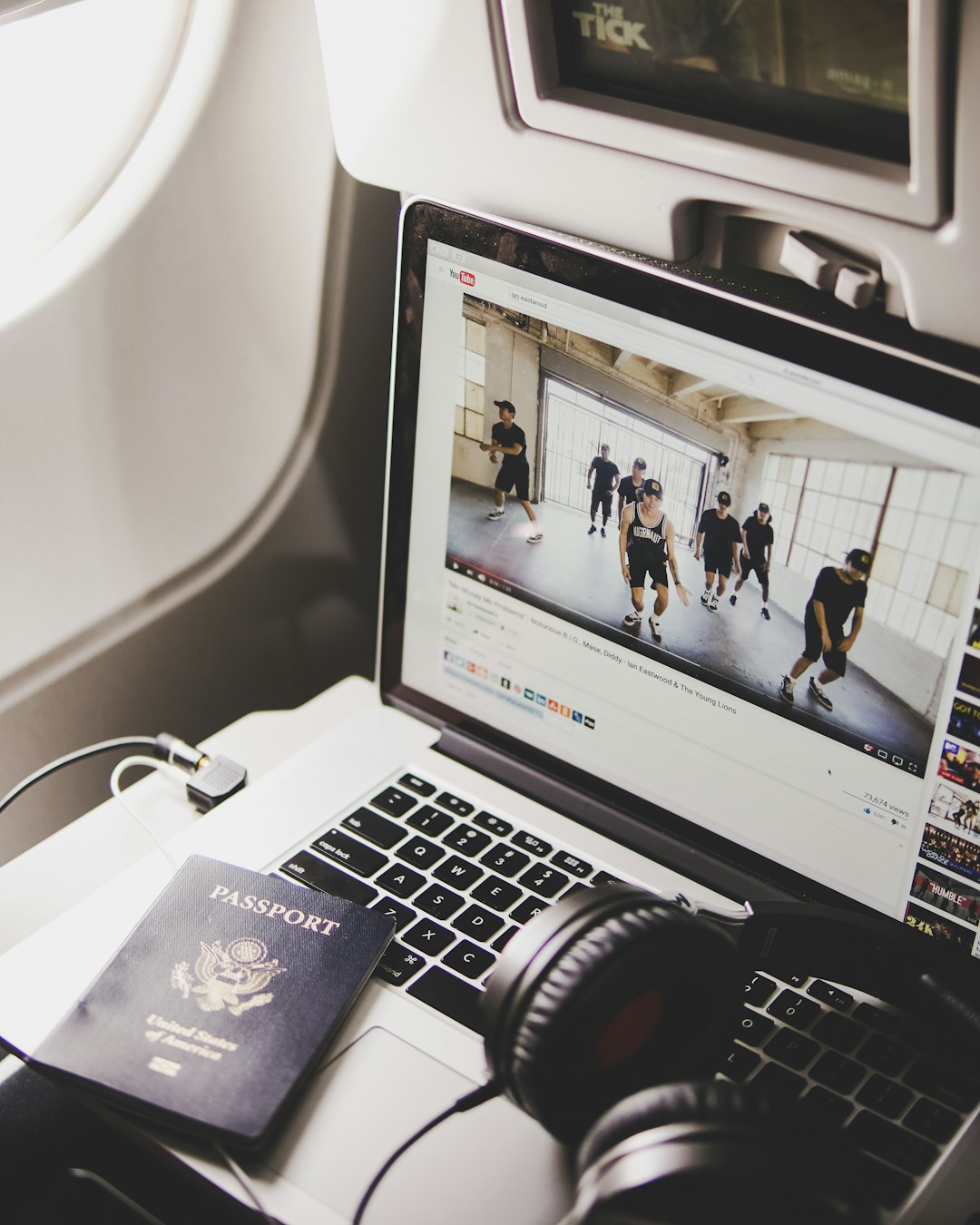
Which Planes Have Wi-Fi?
You’ll find Wi-Fi on most American Airlines flights, especially larger jets. Here’s a quick guide:
- Domestic Flights: Almost all planes have it.
- International Flights: Most wide-body jets are covered (like the 777s and 787s).
- Smaller regional jets? Not always guaranteed.
Want to check before you fly? Go to the American Airlines app or website, put in your flight details, and look for the little Wi-Fi symbol. Easy peasy.
Helpful Tips & Tricks
- Buy access ahead of time if you travel often. Subscriptions save money and time.
- Use airplane mode AND Wi-Fi. Your phone carrier won’t help at 35,000 feet.
- Use tabs instead of loading big websites — it’s not lightning fast up there.
- Don’t stream unless it says you can. Buffering is brutal in the sky.
- Restart your browser if the portal doesn’t load.
What About the American Airlines App?
Even if you don’t have Wi-Fi access, the American Airlines app is your airplane buddy. It lets you:
- Stream available inflight movies & shows — for free!
- Track your flight in real-time
- Order food and drinks (on select flights)
Just connect to AA-Inflight Wi-Fi and open the app. No need to buy an internet plan to use it. Magic!
Can I Stream Netflix?
Yes, but not always.
If your flight supports high-speed Wi-Fi (usually Viasat or Panasonic), you can stream Netflix, YouTube, and more. But slower Gogo-powered flights might make this tough.
Best bet? Download your shows before takeoff just in case the Wi-Fi doesn’t want to hustle that day.
Safety & Privacy in the Clouds
Quick tip: Use a VPN if you’re doing anything private while online. Public networks — yes, even plane ones — can be risky.
- Don’t check your bank account without a VPN
- Avoid entering sensitive info
- Turn off “auto-join” for unknown networks
Troubleshooting Wi-Fi Issues
Wi-Fi not working? Don’t panic. Try these:
- Refresh the browser. Sometimes it just needs a nudge.
- Disconnect and reconnect to the AA-Inflight Wi-Fi.
- Clear your browser cache.
- Ask a flight attendant. They’ve heard it all before.
Still nothing? You might be on a plane without Wi-Fi or in a dead zone. Clouds have weak spots too!
Your Mile-High Internet Buddy Awaits
There you go! Now you’re all set to tweet, text, and type your way across the skies. Just remember your charger, pick the right plan, and be kind to the bandwidth — it’s doing its best up there.
So next time someone says “airplane mode = no fun,” you can smile, connect to AA-Inflight, and prove them gloriously wrong.
Safe travels and happy browsing!
