

AI image generators are like tiny art studios in your browser. You type a prompt. The machine paints, draws, designs, and sometimes makes a cat with seven paws. Still, the best tools are now very good. They can help with logos, ads, anime characters, and photorealistic art.
TLDR: For logos, try Ideogram or DALL·E 3 because they handle text better than most tools. For marketing, Adobe Firefly and Canva Magic Media are easy and brand friendly. For anime, Niji Journey and NovelAI are the most fun. For photorealistic art, Midjourney, FLUX, and Stable Diffusion are top choices.
What Makes a Good AI Image Generator?
Table of Contents
Not every AI image tool is good at the same thing. Some are great at clean design. Some are better at drama, lighting, and mood. Some are anime wizards. Others are almost scary good at fake photos.
So, before picking one, ask a few simple questions.
- Does it understand prompts well? You want fewer weird surprises.
- Can it create text? This matters a lot for logos and ads.
- Is it easy to edit? Good tools let you fix small parts.
- Can you use it commercially? Always check the license.
- Does it match your style? Cute, bold, real, glossy, dark, or wild.
Think of each AI tool like a different artist. One paints movie posters. One draws manga. One makes slick product shots. One designs a logo for your imaginary taco spaceship company.
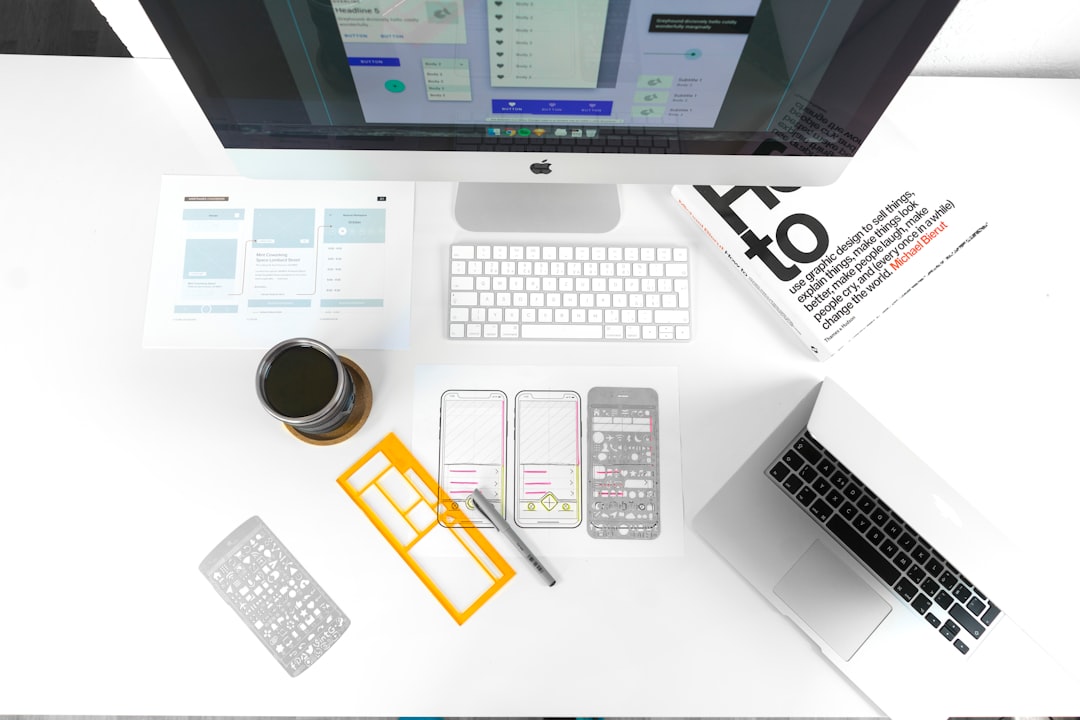
Quick Comparison
| Tool | Best For | Big Strength | Watch Out For |
|---|---|---|---|
| Ideogram | Logos, posters, text art | Good text in images | May still need cleanup |
| DALL·E 3 | Logos, concepts, simple ads | Very good prompt understanding | Style control can feel limited |
| Adobe Firefly | Marketing, social posts, design assets | Commercial safe focus | Less wild than Midjourney |
| Canva Magic Media | Social media, quick marketing | Very easy to use | Not the deepest art tool |
| Midjourney | Photorealism, style, art direction | Beautiful results | Logo text can be tricky |
| Niji Journey | Anime, manga, cute characters | Excellent anime style | Not for boring corporate charts |
| Stable Diffusion | Custom art, control, local workflows | Very flexible | Can be technical |
| FLUX | Photorealistic images, detail | Strong realism and quality | Access depends on platform |
Best AI Image Generators for Logos
Logos are tricky. A logo must be simple. It must work small. It must look clean on a website, shirt, box, and tiny app icon. AI can help a lot, but do not expect a perfect final logo every time.
Ideogram is one of the best choices for logo ideas. Why? It is better with text than many rivals. If you need a wordmark, badge, label, or poster style logo, it can produce strong drafts. It is especially useful for playful brands, cafés, podcasts, events, and creator projects.
DALL·E 3 is also strong for logo concepts. It follows instructions well. You can ask for “a flat vector style logo of a fox holding a coffee cup, orange and cream, no background.” It usually understands. That makes it good for people who are new to prompting.
Adobe Firefly is useful for brand-safe design work. It plays nicely with other Adobe tools. If you already use Photoshop or Illustrator, this is a big win.
But here is the golden rule. Do not use the first logo image as your final logo. Use AI for ideas. Then clean it up. Make it vector. Fix the letters. Check trademarks. Make sure it is unique.
Best AI Image Generators for Marketing
Marketing images need to grab attention fast. People scroll like caffeinated squirrels. Your image has one second to say, “Hey, look at me!”
Adobe Firefly is one of the safest picks for marketing teams. It is built with commercial use in mind. It is great for product backgrounds, social graphics, banners, and ad concepts. You can create polished images without needing to be a prompt wizard.
Canva Magic Media is perfect for quick social posts. It is simple. It is fast. It lives inside Canva, so you can drop the image right into a poster, reel cover, flyer, or Instagram post. Small businesses will like this a lot.
DALL·E 3 is great when you need clear concepts. You can describe the full ad scene in plain English. For example, “a cheerful bakery table with cupcakes, warm sunlight, pastel colors, space on the right for text.” It will usually understand the layout.
Midjourney is the drama machine. It makes images look premium. It is great for fashion, beauty, travel, food, tech, and lifestyle campaigns. If your brand needs mood, shine, and wow, Midjourney brings the fireworks.
For marketing, always leave space for copy. Ask for blank space, clean background, or room for headline text. Otherwise, the AI may fill every inch with shiny chaos.
Best AI Image Generators for Anime
Anime fans are picky. And they should be. The eyes matter. The hair matters. The pose matters. The outfit matters. One bad hand can ruin the magic.
Niji Journey is one of the best anime-focused tools. It is connected to the Midjourney world, but tuned for anime and illustration. It can make cute mascots, fantasy heroes, dreamy scenes, cyberpunk girls, magical animals, and dramatic manga-style shots.
NovelAI is another popular choice for anime art. It gives users strong style control. It is loved by people who want character art, visual novel looks, and repeatable anime designs. It can be more niche, but that is also its charm.
Leonardo AI is also worth trying. It has models and presets that work well for game art, fantasy, and stylized characters. It is friendly for creators who want assets for games, comics, or story worlds.
Anime prompting is all about details. Mention age style, clothing, mood, pose, background, and lighting. Try words like soft shading, studio anime style, dynamic pose, and clean line art. But keep it tasteful and clear.
Best AI Image Generators for Photorealistic Art
Photorealistic AI art is where things get spooky. In a good way. You can create fake photos of people, places, food, rooms, cars, and products that look very real.
Midjourney is a top choice for photorealistic beauty. It understands lighting, texture, camera style, and mood. It is great for cinematic portraits, luxury interiors, food photos, fashion shots, and fantasy scenes that still feel real.
FLUX is also excellent for realism. It can create detailed images with strong prompt accuracy. Many platforms use FLUX models now, so you may find it inside different apps. It is strong for portraits, products, and natural scenes.
Stable Diffusion is the power user option. It can be simple through web apps, or very advanced on your own machine. With the right models and settings, it can produce stunning realism. It also gives deep control through tools like inpainting, ControlNet, and custom models.
DALL·E 3 can make realistic images too. It is best when you need a clear idea, not endless style tweaking. It is friendly, easy, and good for fast drafts.
One warning is important. Realistic AI images can confuse people. Do not use them to trick viewers. Label AI work when needed. Be honest. The robot will not mind.
Which Tool Should You Pick?
If you want the simplest answer, here it is.
- Pick Ideogram if you want logo ideas with readable text.
- Pick DALL·E 3 if you want an easy tool that follows prompts well.
- Pick Adobe Firefly if you make marketing images for business use.
- Pick Canva Magic Media if you want fast social media designs.
- Pick Midjourney if you want the most beautiful art direction.
- Pick Niji Journey if you want anime magic.
- Pick Stable Diffusion if you want control and customization.
- Pick FLUX if you want strong photorealistic results.
Prompt Tips That Actually Help
A good prompt is like a recipe. If you only say “cake,” you may get anything. Chocolate cake. Fish cake. A birthday cake shaped like a frog. Be clear.
Use this simple formula:
Subject + style + details + colors + lighting + background + format.
Example:
“A modern logo for a vegan taco truck, smiling cactus mascot, flat vector style, green and yellow colors, simple shapes, white background.”
For marketing:
“A clean product photo of a blue water bottle on a sandy beach, bright morning light, space on the left for text, fresh summer mood.”
For anime:
“Anime girl explorer with short pink hair, oversized jacket, glowing map, forest ruins, soft lighting, clean line art.”
Final Verdict
There is no single best AI image generator for everyone. That would be too easy, and the internet does not like easy. The best tool depends on your goal.
For logos, start with Ideogram or DALL·E 3. For marketing, use Adobe Firefly, Canva Magic Media, or Midjourney. For anime, go with Niji Journey or NovelAI. For photorealistic art, try Midjourney, FLUX, or Stable Diffusion.
The smartest move is to test two or three tools. Make the same prompt in each one. Compare the results. Pick the tool that feels like your creative sidekick.
AI will not replace taste. It will not replace strategy. But it can give you a giant pile of ideas in minutes. And sometimes, one of those ideas is a tiny masterpiece wearing robot shoes.
