

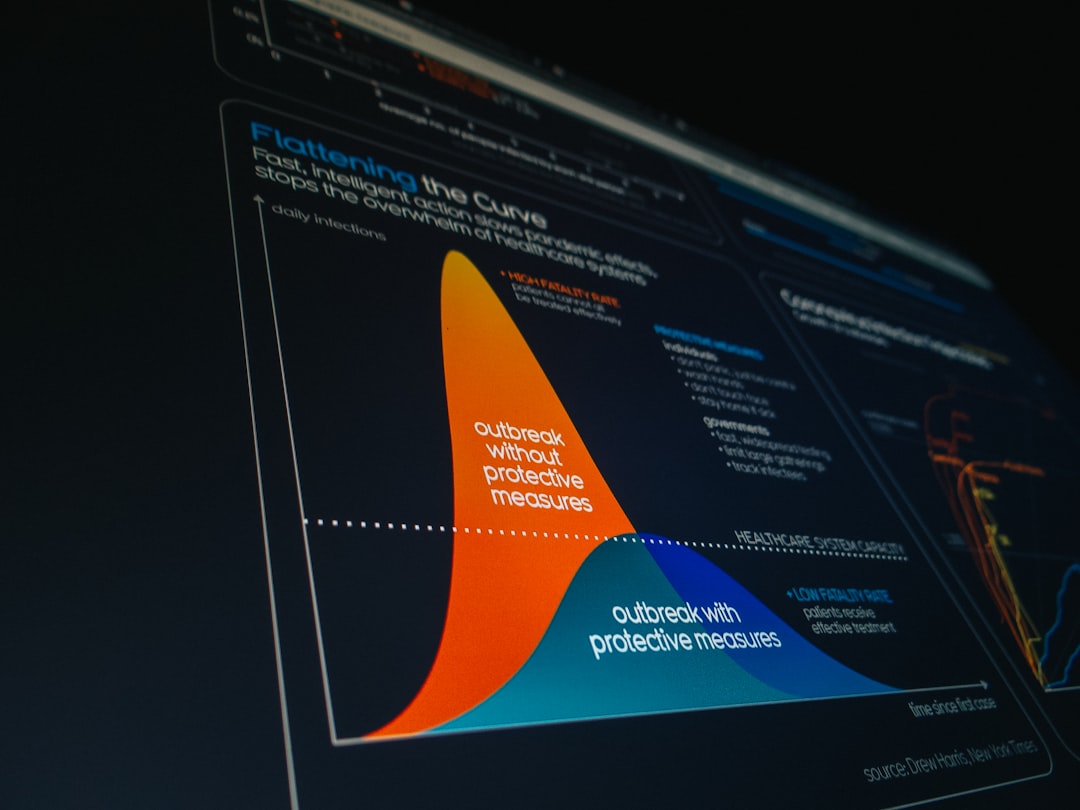
In today’s data-driven world, organizations generate more information than ever before. Sales metrics, marketing performance, customer behavior, operational efficiency—every department relies on data to make smarter decisions. But manually collecting, cleaning, analyzing, and formatting reports is time-consuming and prone to error. That’s where automated reporting and analytics tools come in. These platforms streamline repetitive tasks, connect to multiple data sources, and turn raw numbers into actionable insights with minimal manual intervention.
TLDR: Automating reports and analytics saves time, reduces human error, and enables faster decision-making. Modern tools like Power BI, Tableau, Google Looker Studio, and advanced ETL platforms connect multiple data sources into real-time dashboards. The best tool depends on your company’s size, technical skills, and reporting complexity. Investing in automation allows teams to focus more on strategy and less on spreadsheet maintenance.
Below, we explore the best tools for automating reports and analytics, what makes them stand out, and how to choose the right one for your needs.
Why Automate Reporting and Analytics?
Table of Contents
Before diving into specific tools, it’s important to understand the benefits of automation:
- Time savings: Eliminate repetitive manual data entry and formatting.
- Accuracy: Reduce errors caused by manual copying and formulas.
- Real-time insights: Access up-to-date dashboards instead of static reports.
- Scalability: Handle growing data volumes without hiring additional analysts.
- Collaboration: Share centralized dashboards across teams and stakeholders.
Automation transforms reporting from a backward-looking process into a dynamic, real-time decision engine.
1. Microsoft Power BI
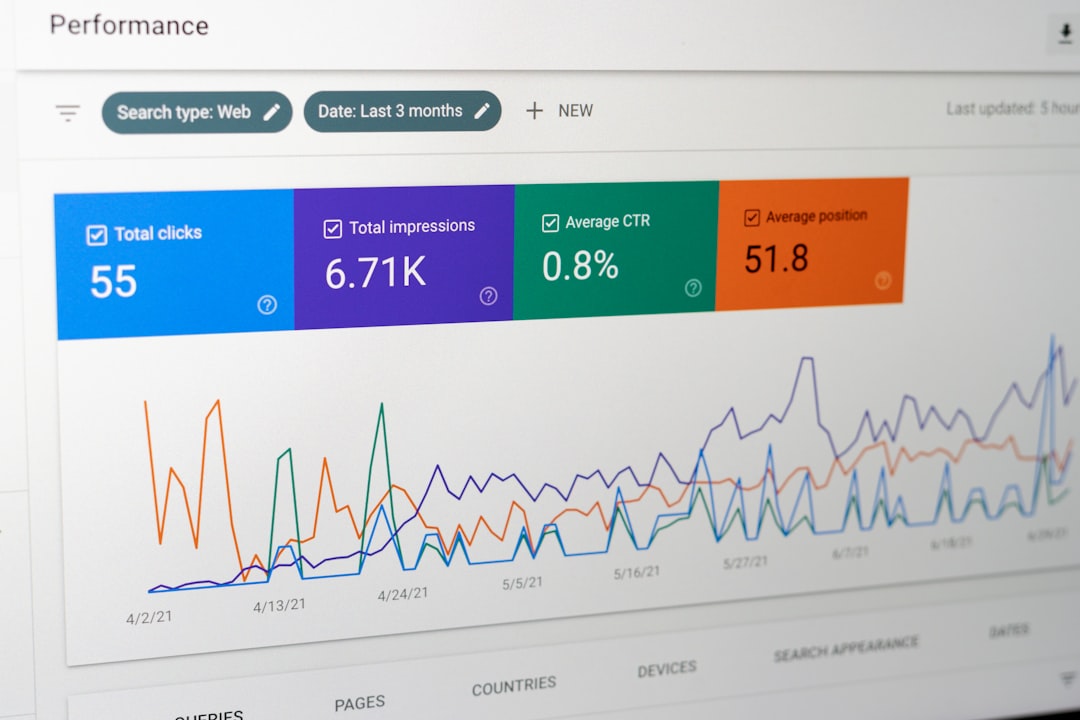
Power BI is one of the most popular business intelligence tools available today. Designed for both enterprise-scale deployments and smaller organizations, it integrates seamlessly with Microsoft’s ecosystem.
Key Features:
- Drag-and-drop dashboard builder
- Integration with Excel, Azure, and hundreds of data sources
- AI-powered analytics and forecasting
- Automated refresh scheduling
- Role-based data access control
Power BI excels at transforming complex datasets into interactive visual reports. Users can set up automated data refresh schedules so dashboards stay current without manual updates. Its affordability compared to other enterprise tools makes it especially attractive for mid-sized businesses.
Best for: Organizations already using Microsoft products and companies seeking a cost-effective, scalable analytics platform.
2. Tableau
Tableau is widely regarded as a leader in data visualization. Known for its intuitive interface and advanced visual storytelling capabilities, Tableau helps users transform data into compelling narratives.
Key Features:
- Advanced visual analytics
- Real-time data connectivity
- Automated data blending
- Strong community support and training resources
- Server and cloud deployment options
Tableau’s strength lies in its ability to handle vast datasets while maintaining performance. Automation features such as scheduled refreshes, automated subscriptions, and threshold-based alerts help businesses stay proactive rather than reactive.
Best for: Organizations that prioritize data storytelling and require powerful visual customization.
3. Google Looker Studio
Formerly known as Google Data Studio, Google Looker Studio offers a free, cloud-based solution for automated dashboards and reports. It integrates naturally with Google Analytics, Google Ads, BigQuery, and other Google services.
Key Features:
- Free cloud-based dashboards
- Easy sharing and collaboration
- Pre-built report templates
- Third-party connector marketplace
This tool is especially popular among marketing teams because it simplifies campaign reporting. Reports update automatically as data changes, saving hours of manual spreadsheet work.
Best for: Small businesses, startups, and marketing teams looking for cost-effective automation.
4. HubSpot Reporting Automation
For companies heavily focused on inbound marketing and CRM workflows, HubSpot offers built-in reporting automation tools.
Why it stands out:
- Integrated marketing, sales, and service dashboards
- Automated campaign performance tracking
- Custom report builder with real-time metrics
- Email delivery of recurring reports
Instead of exporting data from multiple platforms, HubSpot users can centralize analytics in one place. Automated reporting ensures stakeholders receive updated performance summaries without requesting them manually.
Best for: Businesses already using HubSpot for marketing and CRM operations.
5. ETL and Data Pipeline Tools

Automating analytics often requires more than dashboards. Businesses frequently need robust ETL tools (Extract, Transform, Load) that automatically pull data from different systems and standardize it for reporting.
Top ETL tools include:
- Fivetran
- Talend
- Stitch
- Apache Airflow
These platforms automate complex data preparation tasks like cleaning, transformation, and migration. Instead of manually exporting CSV files and merging spreadsheets, data pipelines keep your warehouse updated continuously.
Best for: Data-heavy organizations and companies building centralized data warehouses.
6. Python and R for Custom Automation
Not every reporting need can be solved with off-the-shelf tools. For technical teams, programming languages such as Python and R offer highly customizable automation solutions.
Capabilities include:
- Automated data scraping and API integration
- Scheduled report generation via scripts
- Statistical modeling and predictive analytics
- Exporting formatted reports in PDF, Excel, or web dashboards
Using libraries like Pandas, Matplotlib, or Plotly, analysts can build scripts that pull data nightly, perform calculations, generate charts, and email results automatically.
Best for: Technical teams needing complete flexibility and advanced analysis.
7. Zoho Analytics
Zoho Analytics provides an affordable business intelligence solution with strong automation capabilities. It connects to a wide variety of business apps, databases, and cloud storage systems.
Highlights:
- AI assistant for insights
- Automated data sync
- Scheduled report emailing
- Embedded analytics for applications
Zoho stands out for offering enterprise-like features at a more accessible price point.
Best for: Small to mid-sized businesses seeking comprehensive reporting without enterprise-level costs.
8. Domo

Domo is a cloud-native business intelligence tool known for its executive-friendly dashboards and mobile access.
Key Strengths:
- Extensive data connectors
- Real-time alerts and notifications
- Mobile-optimized reporting
- Built-in collaboration features
Domo is particularly useful for leadership teams that want instant access to KPIs on their phones or tablets. Automated alerts notify teams when metrics cross certain thresholds, allowing immediate action.
Best for: Companies that value executive-level visibility and real-time monitoring.
How to Choose the Right Tool
With so many options available, selecting the best automation tool requires careful evaluation. Consider the following factors:
- Data Sources: Does the tool integrate with your CRM, ERP, marketing platforms, and databases?
- Budget: Free tools may work for startups, while enterprises may require robust infrastructure.
- Technical Expertise: Some platforms require coding; others are point-and-click.
- Scalability: Can it grow with your business?
- Security and Compliance: Is sensitive data protected and access controlled?
In many cases, organizations use a combination of tools—an ETL platform to prepare data, a warehouse to store it, and a dashboard tool to visualize it.
The Future of Automated Analytics
The next generation of reporting tools is increasingly powered by artificial intelligence and machine learning. Instead of simply displaying data, systems now identify anomalies, forecast trends, and suggest actions.
Emerging trends include:
- Natural language queries that allow users to ask questions in plain English
- Automated anomaly detection
- Predictive insights embedded directly in dashboards
- Self-service analytics for non-technical users
As automation becomes more advanced, organizations will spend less time preparing reports and more time acting on insights.
Final Thoughts
Automating reports and analytics is no longer a luxury—it’s a necessity for competitive businesses. Whether you choose Power BI for its integration, Tableau for its visual power, Looker Studio for affordability, or custom Python scripts for flexibility, the goal is the same: turn data into decisions faster and more reliably.
By investing in the right tools and workflows, your team can eliminate repetitive tasks, reduce costly errors, and unlock real-time insights that drive growth. The sooner you automate your reporting processes, the sooner you can focus on what truly matters—strategy, innovation, and results.
