

Understanding how people use your website should not feel like guessing in the dark. You want clear answers. Where do users click? Where do they scroll? Where do they get stuck? That’s where heatmap tools come in. They turn user behavior into colorful, easy-to-read visuals. And yes, they can seriously boost your conversions.
TLDR: Heatmap tools show you how people interact with your website. They reveal clicks, scroll behavior, and frustration points. Smartlook is popular, but it’s not your only option. In this article, we explore five powerful alternatives that provide actionable insights and help you improve user experience fast.
Let’s dive into five website heatmap tools like Smartlook that deliver real value. No fluff. Just insights you can use.
Why Heatmap Tools Matter
Table of Contents
Before we jump into the tools, let’s get clear on one thing.
A heatmap is a visual representation of user behavior. Warm colors like red and orange show high activity. Cooler colors like blue show less activity. Simple.
But good heatmap tools go beyond colors. They offer:
- Click tracking
- Scroll behavior analysis
- Session recordings
- Conversion funnel tracking
- User feedback tools
These insights help you:
- Improve design
- Increase conversions
- Fix UX problems
- Reduce bounce rates
Now let’s explore your options.
1. Hotjar
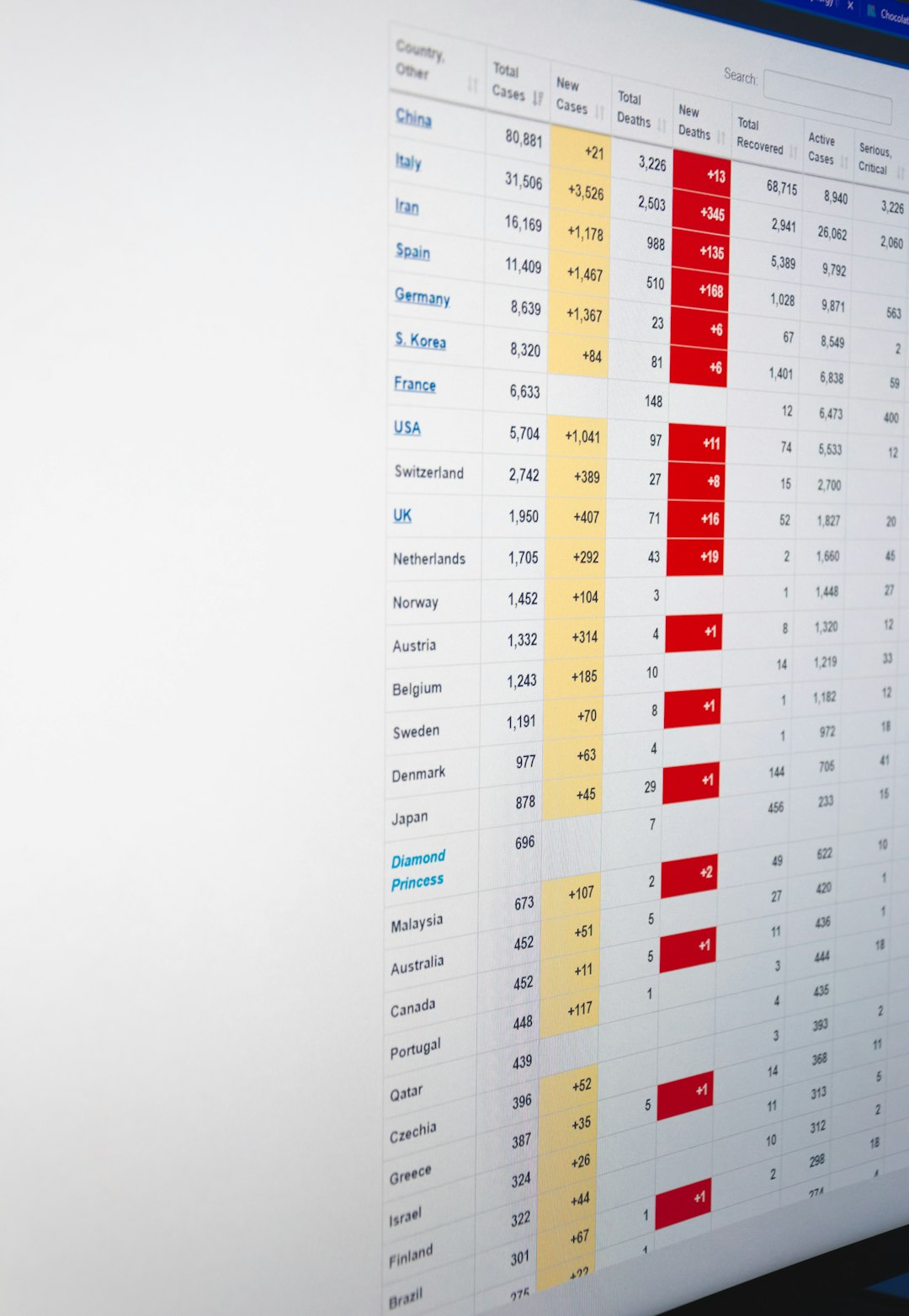
Hotjar is one of the most popular heatmap tools out there. And for good reason.
It combines heatmaps, session recordings, surveys, and feedback tools into one platform. It’s beginner-friendly. The dashboard is clean. Setup is fast.
Key Features
- Click, move, and scroll heatmaps
- Session recordings
- On-site surveys and polls
- Conversion funnel tracking
- Form analysis tools
What Makes It Great
Hotjar shines when you want both qualitative and quantitative data. You don’t just see what users do. You can ask them why they did it.
This combination is powerful. You can see rage clicks. Then ask users what went wrong.
Actionable insight example: If users stop scrolling halfway through your landing page, move your call-to-action higher. Test again. Improve results.
2. Crazy Egg
Crazy Egg is one of the original heatmap tools. It focuses heavily on visual reports and testing.
If you love clear visuals and simple data, this one is for you.
Key Features
- Click heatmaps
- Scroll maps
- Confetti reports showing traffic sources
- A/B testing tools
- Snapshot comparisons
What Makes It Unique
The Confetti report is a standout feature. It breaks clicks down by referral source, device, or search term.
That means you can see:
- Whether mobile users behave differently
- If paid ads convert better than organic traffic
- Which campaign drives engaged users
This is not just pretty data. It’s strategic insight.
Actionable insight example: If paid visitors bounce faster, adjust your ad messaging to match the landing page better.
3. Mouseflow
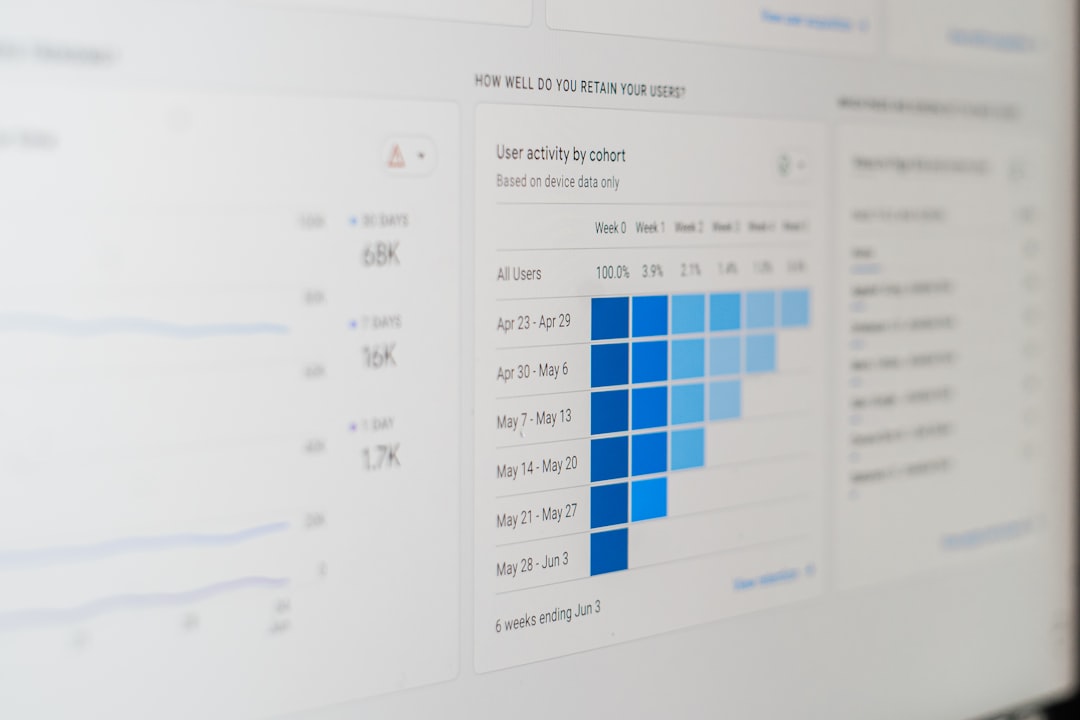
Mouseflow is powerful. It goes deep into behavioral analytics. It feels more advanced, but still accessible.
This tool blends heatmaps with strong user journey tracking.
Key Features
- Dynamic heatmaps
- Session replay recordings
- Funnel analytics
- Form analytics
- Automatic friction detection
Why It Stands Out
Mouseflow detects user frustration automatically. It flags rage clicks and error clicks.
That’s valuable.
You don’t have to manually watch hundreds of recordings. The system highlights important sessions.
Actionable insight example: If users repeatedly click a non-clickable image, make it clickable. Or redesign it to avoid confusion.
Small change. Big impact.
4. FullStory
FullStory is more enterprise-focused. It’s robust. It’s detailed. And it’s built for serious optimization teams.
If your site has high traffic, this tool can handle it.
Key Features
- Advanced session replay
- Customizable heatmaps
- Error tracking
- Event tracking
- AI-powered behavioral signals
What Makes It Powerful
FullStory captures almost everything. Every click. Every scroll. Every interaction.
Its search feature is incredibly detailed. You can search sessions by behavior patterns.
For example:
- Users who clicked “Add to Cart” but didn’t checkout
- Users who encountered a JavaScript error
- Visitors who returned multiple times
This level of filtering makes troubleshooting fast and precise.
Actionable insight example: If checkout errors spike on mobile Safari, you fix that specific issue. Not guess randomly.
5. Lucky Orange
Lucky Orange is an all-in-one conversion optimization tool. It blends heatmaps with live chat and visitor tracking.
It’s especially useful for small and mid-sized businesses.
Key Features
- Dynamic heatmaps
- Session recordings
- Live chat
- Conversion funnels
- Form analytics
What Makes It Different
The built-in live chat is a big plus. You can watch a session live and start a chat conversation instantly.
That means real-time insights.
Actionable insight example: If a customer hesitates on pricing, jump into chat and answer questions. You might save the sale.
Comparison Chart
| Tool | Heatmaps | Session Recordings | Surveys | Funnel Tracking | Best For |
|---|---|---|---|---|---|
| Hotjar | Yes | Yes | Yes | Yes | All in one insight collection |
| Crazy Egg | Yes | Limited | No | Yes | Visual click analysis and A B testing |
| Mouseflow | Yes | Yes | No | Yes | Behavior and friction detection |
| FullStory | Yes | Yes | No | Advanced | Enterprise level analytics |
| Lucky Orange | Yes | Yes | Chat based | Yes | SMBs wanting live interaction |
How to Choose the Right Tool
Not all businesses need enterprise-level analytics.
Ask yourself:
- How much traffic do I get?
- Do I need surveys or just behavior tracking?
- Is live chat important?
- What’s my budget?
If you’re just starting out, Hotjar or Lucky Orange might be enough.
If you run a high-traffic SaaS platform, FullStory could be worth the investment.
If you love visual simplicity, Crazy Egg is a strong contender.
If you want deep behavior analysis without enterprise pricing, Mouseflow is a smart choice.
Final Thoughts
Heatmap tools remove guesswork. They replace opinions with data.
Instead of saying, “I think users don’t like this button,” you’ll know.
Instead of redesigning blindly, you’ll fix specific problems.
The real magic happens when you take action.
Don’t just install a heatmap tool. Review the data weekly. Watch session recordings. Adjust layouts. Test again.
Small tweaks can double conversions.
Big redesigns become smarter.
And your users? They enjoy a smoother experience.
That’s the goal.
Data. Insight. Action.
Pick the tool that fits your needs. Start tracking. And turn those bright red heat zones into real growth.
